

The best free AI video generator for beginners in 2026 is not the one with the most impressive demo reel on its homepage. It is the one that gives you usable output, with acceptable limits, for your specific type of content, without asking for a credit card before you have even tested whether it works for you.
That distinction matters more in 2026 than it did a year ago, because the AI video space has exploded in both quality and complexity. Tools that were experimental side projects eighteen months ago are now serious production platforms. The gap between free and paid tiers has narrowed meaningfully. And the use cases have diversified: YouTube faceless channels, short-form social content, product demos, educational explainers, and AI avatar presentations are all being built on free tiers right now by real creators.
The problem is that almost every “best free AI video generator” guide published in 2026 is written by one of the tools itself. HeyGen’s blog ranks HeyGen first. CapCut’s resource center ranks CapCut first. These are not independent reviews; they are marketing content dressed as comparison guides.
This guide is different. Every tool here is evaluated on four criteria that actually matter to creators: what the free tier genuinely includes, whether the output has a watermark, whether commercial use is permitted, and which type of creator each tool actually suits.
Before diving into tools, if you have already read through the guides on AI tools to make money online without investment, how to make money with AI art without any skills, AI tools for freelancing on Fiverr and Upwork, best free AI tools for students, AI tools that replace a virtual assistant, and best free AI image generator for beginners, you already know that free AI tools can produce professional-grade work. Free AI video generation in 2026 is no different; the key is knowing which tool matches your workflow.
The Truth About “Free” AI Video Generators That Most Articles Will Not Tell You

Best Free AI Video Generator for Beginners 2026: Setting Realistic Expectations
Here is the honest landscape before comparing any specific tools. In 2026, truly free AI video generation, meaning no watermark, no credit limit, no account required, and commercial use permitted, essentially does not exist on serious platforms. The computational cost of generating video is significantly higher than generating images or text, which means every major platform has a business model that relies on paid upgrades.
What does exist, and what this guide covers, is a set of free tiers that are genuinely useful within their limits:
- Most free tiers offer between 3 and 15 video generations per day or per month
- Most add a watermark to free-tier exports; a few do not
- Commercial use on free tiers varies widely: some permit it, some restrict it, and some are deliberately vague
- Clip length on free tiers is almost always capped at 5 to 10 seconds per generation
None of this means free tools are not worth using. It means you need to know the limits before you build a workflow around a specific tool, only to discover on day three that the watermark appears on every export or that the monthly credit allowance ran out by Tuesday.
With those expectations set clearly, here are the tools worth your time in 2026.
The Best Free AI Video Generator Tools for Content Creators in 2026
1. CapCut — Best Free AI Video Generator for Beginners Who Need No Watermark
Why CapCut Remains the Most Practical Free Starting Point
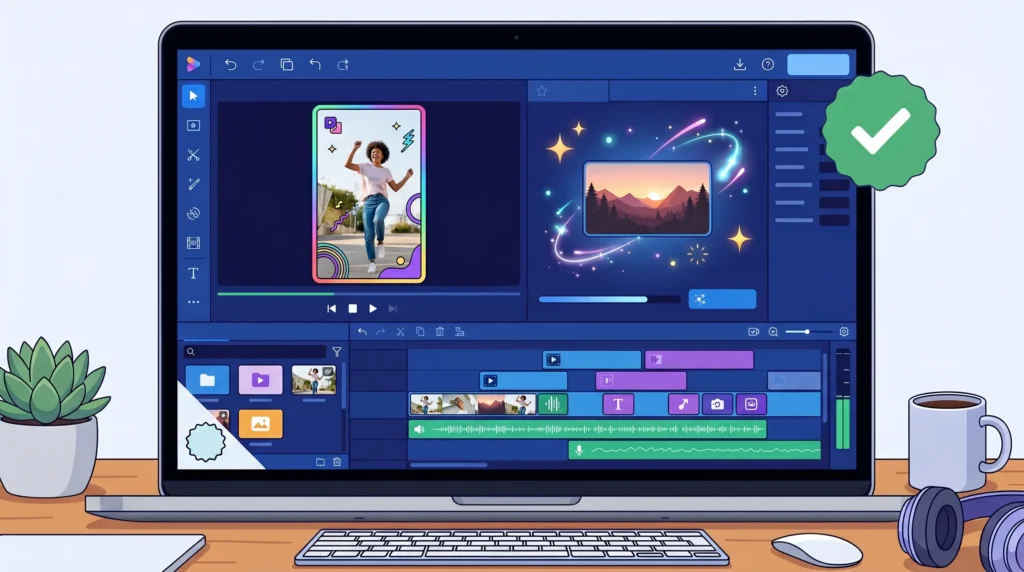
CapCut is not a pure AI video generation tool in the same sense as Kling or Runway; it is a complete video editing suite with AI generation built in. That distinction makes it uniquely valuable for beginners: you are not just generating a clip and downloading it, you are generating footage and immediately editing it within the same tool.
What the free tier genuinely includes:
- Text-to-video generation with no watermark on desktop exports
- Full video editing suite: cuts, transitions, captions, music, effects
- AI script generation from a topic description
- AI voiceover with multiple voice styles
- Export at up to 4K on the desktop version, watermark-free
What the free tier does not include:
- Unlimited AI video generations: daily and monthly limits apply
- Cloud storage: local projects only on the free plan
- Some premium AI effects and templates require CapCut Pro
Commercial use: Permitted on the free tier for most content types; review the current terms for advertising-specific content.
Best for: Beginners creating YouTube videos, short-form social content, or faceless channel footage who want the complete creation-to-editing workflow in one free tool. For someone starting their first content channel with zero budget, CapCut is the most practical entry point in 2026.
2. Google Veo 3 via AI Studio — Best Free AI Video Generator for Cinematic Quality
Best Free AI Video Generator for Beginners Seeking Professional Output
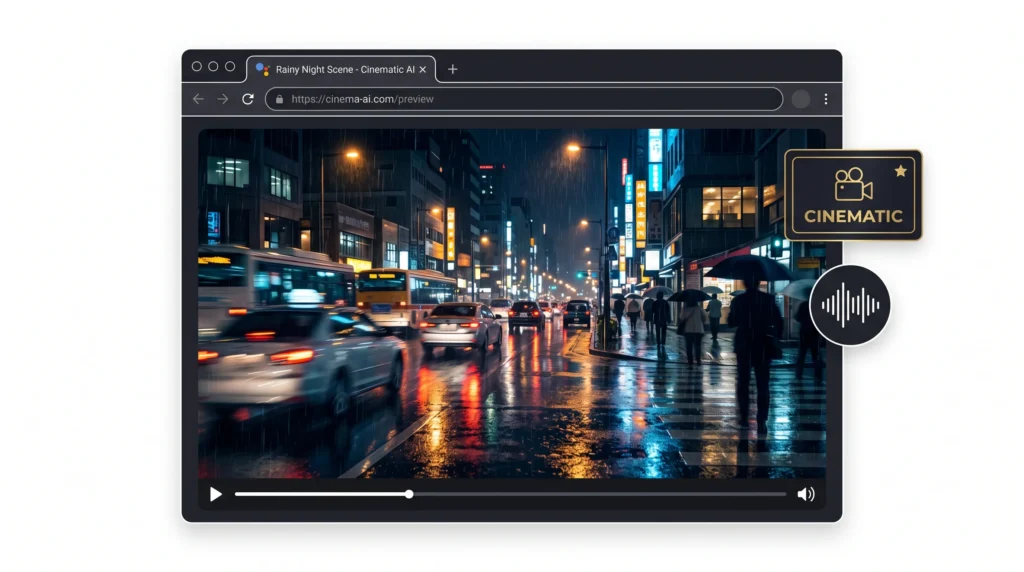
Google Veo 3 is genuinely the highest-quality free text-to-video tool available in 2026, and it is consistently underrepresented in search results, partly because Google does not market it aggressively and partly because access through AI Studio is less obvious than signing up for a dedicated app.
The output quality is in a different category from most free tools: realistic physics, coherent motion, accurate lighting, and a built-in audio generation capability that adds ambient sound to clips automatically, something no other free tool matches at this quality level.
What the free tier genuinely includes:
- Access via Google AI Studio with a Google account (no payment required)
- Veo 3 model quality: currently the benchmark for realism in free-tier video
- Built-in audio generation synced to visual content
- 100 monthly credits via personal Google account
What the free tier does not include:
- High-volume daily generation: 100 monthly credits is enough for experimentation, not daily production
- A dedicated editing suite (pair with CapCut for post-production)
Commercial use: Google’s current terms for AI Studio output allow personal and creator use; verify the most current terms for advertising and client-facing commercial applications.
Best for: Creators who prioritize quality over volume, B-roll footage for YouTube videos, cinematic clips for social media where one excellent video per week matters more than ten mediocre ones daily.
3. Kling AI 3.0 — Best Free AI Video Generator for Daily Production Volume

Consistent Daily Credits Make Kling the Most Reliable Free Production Tool
Kling AI emerged as one of the most capable text-to-video tools in 2025, and its 3.0 version in 2026 has added significant improvements in physics accuracy, multi-shot generation, and prompt adherence. For content creators who need consistent daily output, Kling’s free credit system is one of the most generous available.
What the free tier genuinely includes:
- 66 free credits every 24 hours (refreshing daily)
- Roughly 6 standard 5-second clips per day on the free tier
- Strong physics simulation: fluid motion, realistic gravity, coherent object movement
- Multi-shot storyboard capability: wide shot to close-up within a single generation
What the free tier does not include:
- Watermark-free export: free-tier clips include a watermark
- Commercial use is restricted on the free tier; paid plans are required for commercial content
Best for: Creators who need daily experimental footage and are comfortable using watermarked clips for drafts, mood boards, and concept testing before upgrading for final commercial output. Also excellent for faceless YouTube channels where the watermark can be cropped or positioned out of frame.
Note on commercial use: Because commercial use requires a paid plan, Kling’s free tier is most valuable as a creative testing ground rather than a primary production tool for monetized content.
4. Runway — Best Free AI Video Generator for Creative Control
Best Free AI Video Generator for Beginners Who Want Precision
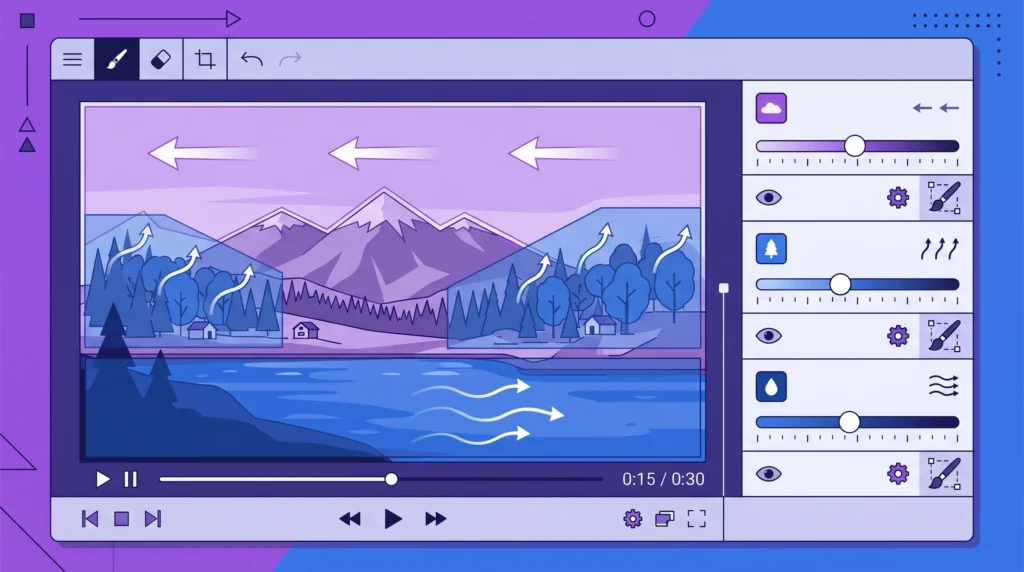
Runway’s Gen-4 model in 2026 offers a level of creative control that no other free tool matches: the Multi-Motion Brush allows you to select specific regions of an image or video and direct exactly how they move, independently of the rest of the frame. For creators who need specific motion rather than AI-interpreted motion, this precision is valuable.
What the free tier genuinely includes:
- A starting credit balance on signup that allows initial experimentation
- Multi-Motion Brush: granular control over which elements move and how
- Image-to-video and text-to-video generation
- Camera motion controls: pan, zoom, dolly, orbit
What the free tier does not include:
- Ongoing daily credit refresh after the initial balance is used: Runway’s free tier is generous at the start, but limited for ongoing production
- Watermark-free export on the free tier
- Commercial use on the free tier
Best for: Creators who want to explore what precise AI video control looks like before committing to a paid plan. Runway’s free tier is best understood as an extended trial rather than an ongoing production resource.
5. HeyGen — Best Free AI Video Generator for Avatar and Talking Head Videos

A Completely Different Category: When You Need a Speaker, Not Just Footage
HeyGen sits in a distinct category from the other tools in this guide. While Kling, Veo 3, and Runway generate footage from text or image prompts, HeyGen generates AI avatar presentations: a digital human speaks your script, in your language, with lip-sync accuracy. This makes it directly relevant to a specific content type: educational explainers, product demonstrations, training videos, and corporate presentations, where a speaking presenter is needed but filming is not practical.
What the free tier genuinely includes:
- 3 videos per month, up to 3 minutes each
- Access to a selection of AI avatars and voice styles
- Script-to-video with lip-sync in 175 plus languages
- Full studio editing interface
What the free tier does not include:
- Watermark-free export: all free-tier videos include a HeyGen watermark
- Commercial use: the free plan is restricted to personal and evaluation use
- Voice cloning and premium avatars: paid plan features
Best for: Creators building educational content, online course videos, or explainer content where a speaking presenter adds credibility, and the free tier is used for testing scripts and avatar styles before upgrading.
6. InVideo AI — Best Free AI Video Generator for Long-Form Content Creation

The Tool That Turns a Script into a Complete Video Automatically
InVideo AI takes a fundamentally different approach to video creation from every other tool in this guide. Rather than generating short clips from prompts, InVideo takes a full script or topic description and assembles a complete video: AI visuals, stock footage, voiceover, captions, transitions, and music. The output is a finished, ready-to-publish video rather than raw footage that still needs editing.
What the free tier genuinely includes:
- Text-to-full-video generation: topic description to finished video
- AI-generated visuals powered by Google Veo 3.1 integration
- Automatic voiceover, captions, and background music
- Unlimited exports on the free plan (with watermark)
What the free tier does not include:
- Watermark-free export: all free videos include an InVideo watermark
- iStock premium footage: free tier uses standard stock library
- Commercial use without watermark: requires a paid plan
Best for: Creators building faceless YouTube channels who want the fastest path from topic idea to published video. The entire production pipeline from script to finished video runs within InVideo without any external editing tools required. This directly supports the income method covered in the AI tools to make money online without investment guide, where faceless YouTube is identified as one of the most viable zero-budget income strategies.
7. Seedance — Best Free AI Video Generator for Speed and Social Content
When Generation Speed Matters More Than Anything Else
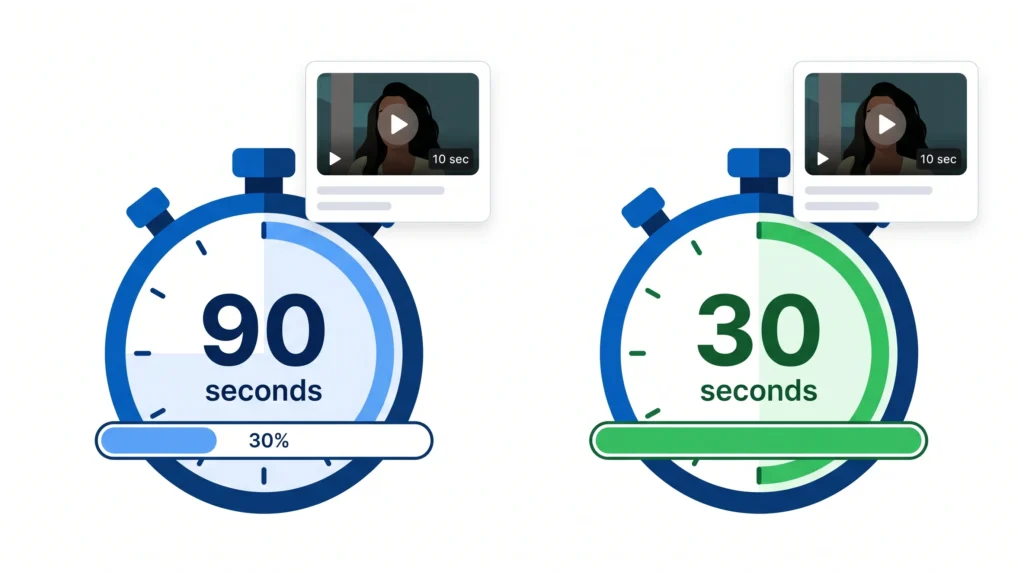
Seedance entered the AI video space in early 2026 and immediately stood out for one specific reason: generation speed. Where most tools take 60 to 120 seconds to render a 10-second clip, Seedance delivers the same clip in approximately 30 seconds. For creators who iterate heavily on prompts, testing ten variations in Seedance takes the same time as testing three in most other tools.
What the free tier genuinely includes:
- Fast generation: 10-second clips in roughly 30 seconds
- No watermark on standard exports (verify current terms as these can change)
- High prompt adherence: 85 percent usable output rate in independent testing
- Social media optimized formats: vertical, square, and horizontal
What the free tier does not include:
- Extensive daily credit volume: free credits are limited; check the current daily allowance before planning a production session
- Dedicated editing suite (pair with CapCut)
Best for: Social media creators building Instagram Reels, TikTok clips, and YouTube Shorts who need fast iteration cycles. Seedance’s speed advantage is most valuable when you are testing multiple visual concepts quickly before choosing which to develop further.
How to Choose the Right Free AI Video Tool for Your Content Type
Best Free AI Video Generator for Beginners: The Decision Framework
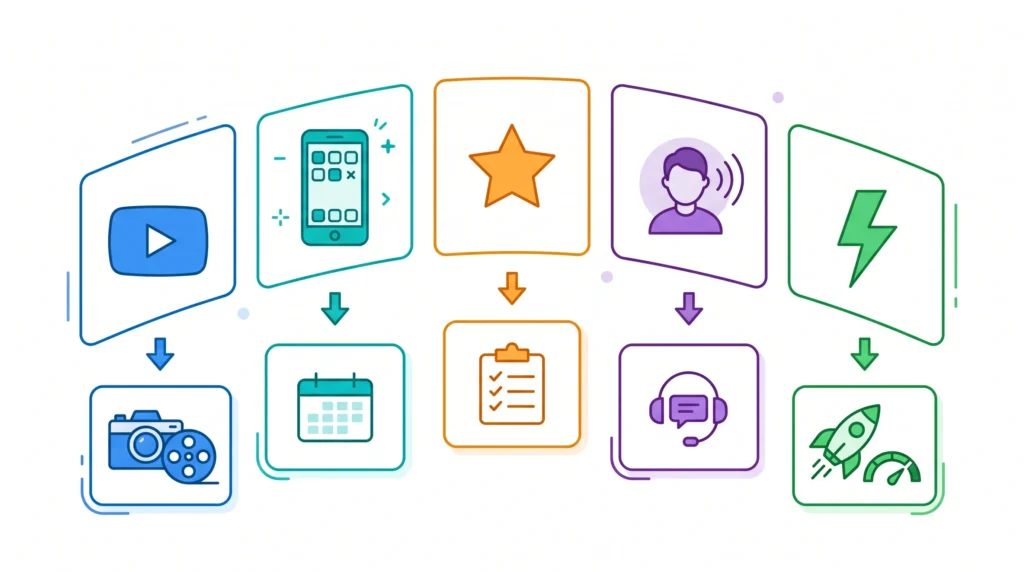
Rather than declaring one winner, here is the honest matching guide based on what you are actually building:
If you are starting a faceless YouTube channel, begin with InVideo AI for end-to-end video assembly from scripts, and pair it with CapCut for custom footage and thumbnail creation. This combination covers the full YouTube production workflow at zero cost.
If you need the highest quality footage for a limited number of videos, use Google Veo 3 via AI Studio. Use the 100 monthly credits deliberately on your most important content rather than burning through them on experiments.
If you need daily footage for consistent social media posting, use Kling AI for volume and Seedance for speed. Use both by alternating to maximize your combined free credit availability across platforms.
If you are building educational or explainer content, use HeyGen for the avatar presentations, paired with CapCut for any additional footage or editing. The three monthly free videos are enough to test your format before committing to a paid plan.
If you want precision control over how specific elements move, use Runway. Use the initial free credits to learn the Multi-Motion Brush before the credits run out, and treat it as a learning investment rather than a production resource.
What to Do When Free Credits Run Out Mid-Project

This is a practical reality that no guide covers honestly, so here it is: free credits on every major AI video platform will run out if you are producing content consistently. When that happens, here are the options that do not involve immediately paying:
- Rotate between platforms: Kling, Seedance, Veo 3, and CapCut all have separate credit systems. Use each one’s daily or monthly allowance, then switch to the next when one runs out.
- Use the extension principle: Generate a strong 5-second clip in Kling or Veo 3, then use CapCut’s “Extend” or “Loop” features to build a longer video around that single high-quality clip.
- Batch your generation sessions: Rather than generating one clip per day, save prompts until you have ten ready, then generate them all in one session before the daily credit reset. This maximizes the value of each credit refresh cycle.
- Use stock footage as a bridge: Sites like Pexels Videos and Pixabay offer free, commercial-use video clips. When AI credits are exhausted, standard stock footage fills the gap in a finished video without requiring any generation.
The AI tools for freelancing on Fiverr and Upwork guide covers how to offer AI video services as a freelance product, where a paid tool subscription becomes a business expense justified by client income rather than a personal cost.
Frequently Asked Questions
Q. Can I monetize YouTube videos made with free AI video tools?
Yes, with important caveats. YouTube monetization requires that your content meets their Partner Program policies, which include having rights to the content you upload. Most free tiers restrict commercial use, which YouTube monetization technically falls under. CapCut’s free tier is among the most permissive for YouTube use; always verify the current terms of whichever tool you use before publishing monetized content.
Q. Do free AI video generators add watermarks to every export?
Most do, but not all. CapCut’s desktop version exports without a watermark on the free tier. Seedance’s free tier has offered watermark-free exports, though this can change as platforms update their terms. Kling, HeyGen, Runway, and most other major platforms do apply watermarks to free-tier exports. Always test a generation and check the export before committing to a tool for a specific project.
Q. How long are the video clips that free tiers generate?
Most free-tier generations are capped at 5 to 10 seconds per clip. InVideo AI is an exception: it assembles full-length videos by combining multiple short clips and stock footage, so the output can be several minutes long even on the free plan. For pure generation tools like Kling and Veo 3, the 5 to 10 second limit applies, and longer videos are built by combining multiple generated clips in an editor.
Q. Is Google Veo 3 really free to use?
Veo 3 is accessible through Google AI Studio at no cost with a Google account, and personal Google accounts receive 100 monthly credits. The free access is genuine, though the credit volume is designed for experimentation rather than daily high-volume production. There is no payment required to access it, making it genuinely one of the highest-quality free options available.
Q. Which free AI video tool is best for complete beginners with no editing experience?
InVideo AI requires the least prior knowledge: you describe a topic, and it produces a finished video with voiceover, footage, captions, and music automatically. For beginners who find video editing intimidating, InVideo removes the editing step entirely. CapCut is the next easiest, with an intuitive interface and AI features that guide the editing process step by step.
Q. Can these free tools be used for client work or paid freelance projects?
For most tools, the free tier is restricted to personal use, and client deliverables fall under commercial use. If you are offering video creation services on Fiverr or Upwork, as discussed in the AI tools for freelancing on Fiverr and Upwork guide, a paid plan on your primary tool is the appropriate approach. Use free tiers for client mockups and concept drafts; deliver final client work from a tool where commercial use is explicitly permitted at the tier you are using.

Final Thoughts
The best free AI video generator for beginners in 2026 is genuinely a combination of tools rather than a single platform. CapCut for editing and watermark-free export, Google Veo 3 for the highest quality when it matters, Kling for daily creative volume, and InVideo AI for complete faceless video production: these four together give you a comprehensive free video creation system that covers nearly every content creator use case.
What has changed most dramatically in 2026 is the quality floor. The worst output from a top-tier free tool today is better than what was required by expensive software and professional equipment two years ago. For content creators who have been holding off on video because the tools seemed too technical or too expensive, that barrier is gone.
Start with one tool that matches your content type. Generate your first ten videos. Learn how prompt quality affects output. Then layer in the complementary tools as your workflow becomes clearer. The income applications, from YouTube monetization to freelance video services to digital product creation, are all within reach once the production workflow is established.