
There is a version of student life that most people remember: late nights, stacks of notes, hours spent staring at a blank document trying to start an essay, and the slow, painful process of trying to understand a concept from a textbook that reads like it was written for robots.
That version of student life is becoming optional.
In 2026, free AI tools have reached a level of quality and accessibility that genuinely changes how students learn, write, research, and manage their academic workload. The best part? You do not need to pay a single penny to access most of them.
This guide covers the best free AI tools for students available right now: what each one does, why it is useful, and how to use it practically without crossing any academic integrity lines.
What This Guide Covers:
- Best free AI tools for essay writing and research
- AI tools for studying, summarizing, and note-taking
- Free AI coding assistants for computer science students
- AI tools for time management and academic planning
- How to use these tools ethically and stay within academic guidelines
Free AI Writing Tools That Actually Help You Think, Not Just Type
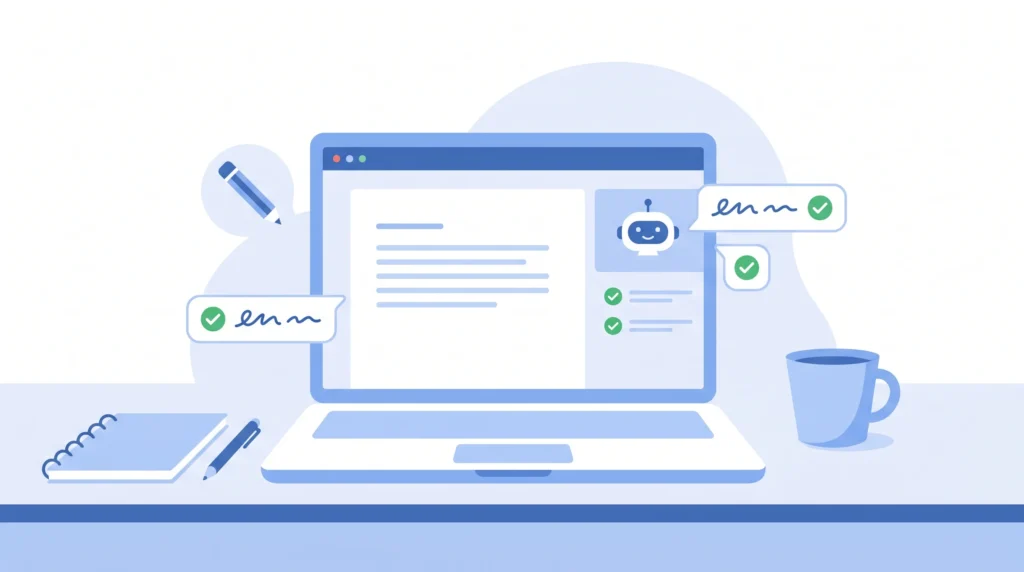
Writing is one of the most time-consuming parts of academic life. Not because students cannot write, but because starting is hard, structuring is harder, and editing takes time that most students do not have.

ChatGPT remains the most versatile free AI writing tool available to students in 2026. The free tier, powered by GPT-4o mini, is genuinely capable for most academic writing tasks: brainstorming essay arguments, generating outlines, explaining complex topics in simpler language, and helping students work through ideas when they are stuck.
The key is knowing how to use it correctly:
- Use it to generate an outline, then write the essay yourself
- Paste in a confusing paragraph from your textbook and ask ChatGPT to explain it in plain language
- Ask it to give you counterarguments to your thesis so you can strengthen your position
- Use it to check whether your argument is logical before you submit
What it should not be used for: submitting AI-generated text as your own work. Beyond the ethical issues, most universities now use AI detection tools, and the academic consequences are serious.
Grammarly’s free version is one of the most practical AI tools a student can install today. It works inside your browser, Google Docs, and most writing platforms, checking your grammar, spelling, and sentence clarity in real time.
The free version catches:
- Grammar and punctuation errors
- Spelling mistakes
- Unclear or awkward sentence construction
- Passive voice overuse
For students writing in English as a second language, Grammarly is particularly valuable. It does not just correct mistakes; it explains why something is wrong, which means you actually improve your writing over time rather than just fixing individual errors.
Academic writing has a tendency to become bloated: long sentences, unnecessary jargon, and paragraphs that say in five sentences what could be said in two. Hemingway Editor is a free web-based tool that highlights overly complex sentences, excessive adverbs, and passive voice constructions.
Paste your essay draft in, and it color-codes every sentence by readability level. The goal is not to dumb down your writing; it is to make your arguments clearer and easier to follow, which is exactly what professors and examiners want.
AI Research Tools That Cut Hours Off Literature Reviews

Research is the foundation of academic writing, and it is also where most students lose the most time. Searching, reading, evaluating, and synthesizing sources is slow work, and free AI tools are now capable of accelerating every stage of that process.
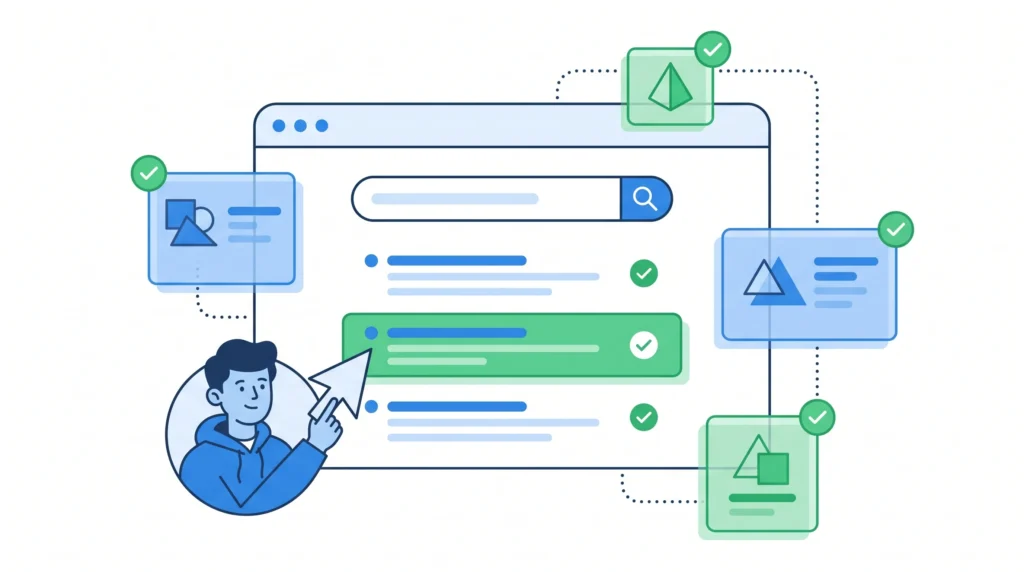
Perplexity AI is arguably the best free AI research tool available to students right now. Unlike ChatGPT, Perplexity searches the web in real time and provides answers with direct citations, so you can verify every claim it makes.
How students use it effectively:
- Type in a research question and get a structured answer with sources linked directly
- Use the “Academic” mode to prioritize peer-reviewed and scholarly sources
- Follow up with specific questions to go deeper on any sub-topic
- Use the citations as a starting point to find the full source documents
Perplexity does not replace reading the actual research; it helps you identify which sources are worth reading in the first place, which is a significant time saving when you are working on a literature review.
Elicit is a free AI research assistant built specifically for academic literature. You type in a research question, and it searches through millions of academic papers to find relevant studies, summarizing key findings, methodologies, and conclusions side by side.
For science, psychology, economics, and social science students doing evidence-based essays or dissertations, Elicit is remarkably useful. It does not just return a list of papers; it extracts the specific information most relevant to your question from each one, which means you can evaluate a paper’s relevance in seconds rather than spending thirty minutes reading through it.
Consensus takes a similar approach to Elicit but focuses specifically on answering yes/no research questions by scanning academic literature. Ask “Does sleep deprivation affect academic performance?” and Consensus will pull together findings from multiple studies and give you a synthesized answer with the underlying evidence.
For students writing argumentative essays that need empirical backing, Consensus is a fast and reliable way to find credible supporting evidence without getting lost in a database search.
AI Study Tools That Make Revision Actually Stick

Reading and re-reading notes is one of the least effective ways to study. Research on learning consistently shows that active recall, spaced repetition, and self-testing are significantly more effective. Free AI tools now make all of these methods easier to implement.
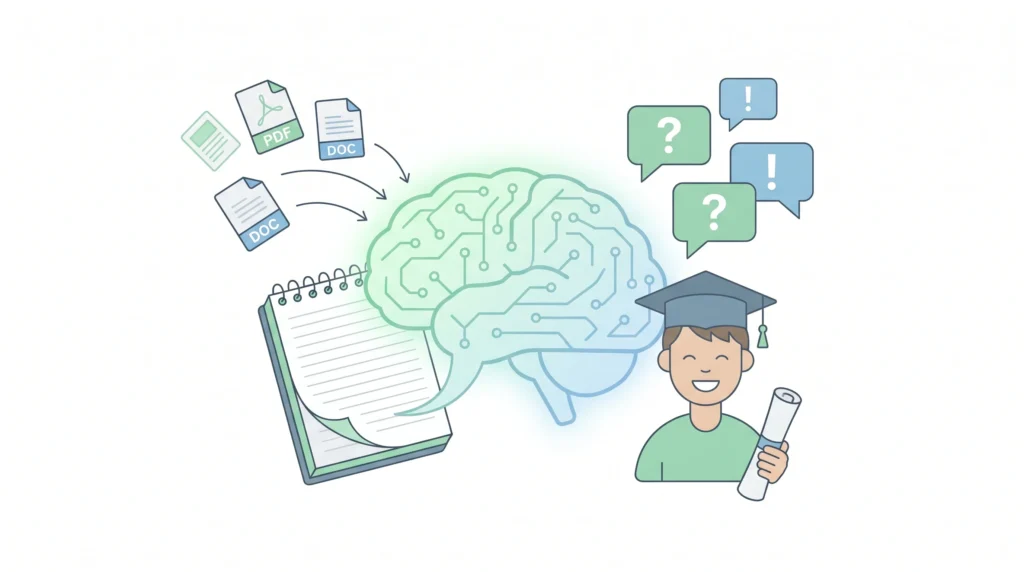
NotebookLM is one of the most genuinely impressive free AI study tools released in recent years. You upload your own notes, lecture slides, textbooks, or PDFs, and it creates an AI that is trained specifically on your materials. You can then ask it questions, request summaries, generate study guides, and even create audio overviews of complex topics.
What makes it different from ChatGPT for studying is that it only works from the sources you provide. It cannot hallucinate information that is not in your materials, which makes it far more reliable for exam preparation. If you ask it a question and it cannot find the answer in your notes, it will tell you.
Practical uses:
- Upload all your lecture notes for a module and ask it to create a revision summary
- Ask it to explain a concept from your notes in simpler terms
- Use it to generate practice questions from your own materials
- Create audio summaries to listen to while commuting
Quizlet has been a student staple for years, and its AI features have significantly improved in 2026. The free version now includes an AI that can generate flashcard sets from text you paste in, suggest study modes based on which cards you are struggling with, and create practice tests from your uploaded content.
The spaced repetition algorithm built into Quizlet’s study modes is based on solid learning science: it shows you the cards you find difficult more frequently and the ones you know well less often, which means your revision time is always focused where it is most needed.
Anki is the gold standard for spaced repetition learning, and it remains completely free. While it is not an AI tool in the same sense as the others on this list, its algorithm for scheduling review sessions is highly sophisticated and has decades of research behind it.
Medical, law, and language students in particular swear by Anki for memorizing large volumes of material. The learning curve is steeper than that of Quizlet, but for students who need to retain complex information long-term, it is unmatched.
Free AI Coding Tools for Computer Science and Engineering Students

Coding assignments are a unique kind of academic challenge. You can understand the concept perfectly and still spend two hours debugging a single function. Free AI coding assistants have become genuinely transformative for CS students, both for learning and for getting unstuck.
GitHub Copilot (Free for Students)
GitHub Copilot is free for verified students through the GitHub Student Developer Pack. It integrates directly into VS Code and other popular editors, suggesting code completions, generating functions from comments, and helping debug errors in real time.
The important distinction for students is to use it as a learning tool, not a shortcut. When Copilot suggests a solution you do not understand, ask it to explain the logic. Understanding why the code works is the actual skill you are developing; the code itself is secondary.
Google Gemini’s free tier is particularly strong for coding tasks. Students use it to explain error messages, generate code in multiple languages, walk through algorithms step by step, and compare different approaches to solving a problem. It integrates well with Google Colab, which many computer science students already use for Python work.
Blackbox AI is a free coding assistant that works directly in the browser and inside VS Code. It is particularly good at code explanation, which is valuable for students working through unfamiliar codebases or trying to understand sample code from lectures. Paste in a function you do not understand, and it will walk through what each line does in plain language.
AI Tools for Academic Planning and Time Management
The organizational side of student life, managing deadlines, balancing multiple subjects, and planning revision schedules, is where many students struggle as much as with the academic content itself. AI tools are increasingly useful here, too.
Motion (Free Trial, Then Paid, But Worth Knowing)
Motion uses AI to automatically schedule your tasks based on your deadlines and available time. While the full version is paid, the free trial is long enough to be useful during exam periods. It is worth mentioning because AI-powered scheduling represents a genuinely different approach to time management for students with complex timetables.
Notion’s free tier includes basic AI features that are useful for students building study systems. You can use it to create structured study plans, organize notes by subject, summarize long documents, and generate to-do lists from meeting notes or assignment briefs. The free workspace is generous enough for most students’ organizational needs.
While not strictly AI-powered, MyStudyLife deserves mention as the best free academic planner available. It syncs across devices, tracks assignments and exams, and sends reminders based on your schedule. Combined with AI tools for the actual academic work, it completes a practical study system that covers both content and organization.
How to Use the Best Free AI Tools for Students Ethically?
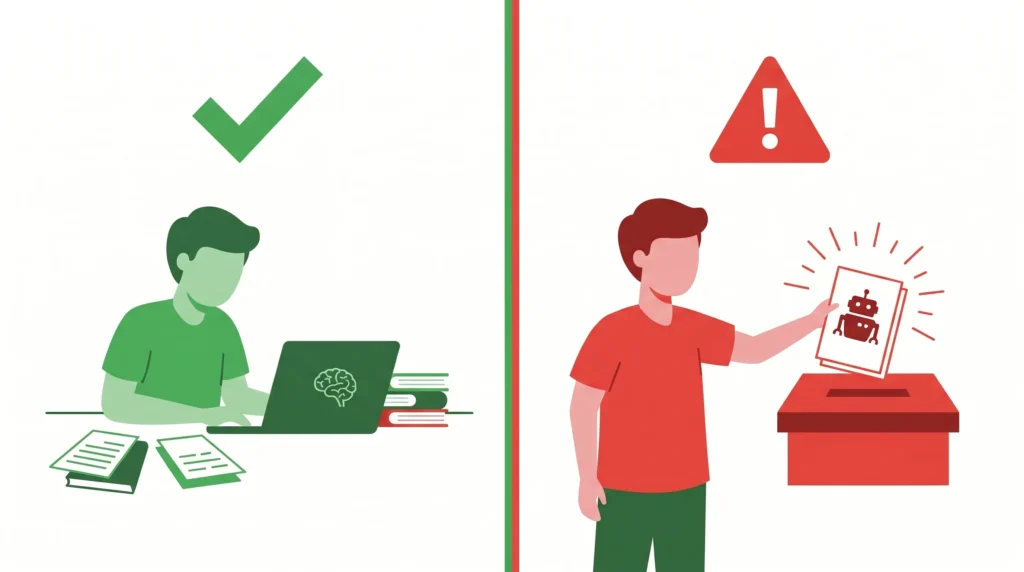
This is not optional reading. Academic institutions everywhere are updating their policies on AI use, and the consequences for misuse are significant. Here is a clear framework for staying on the right side of those policies:
What is generally acceptable:
- Using AI to brainstorm ideas or generate an outline that you then develop yourself
- Using AI to explain concepts you do not understand
- Using Grammarly or similar tools to improve your writing after you have written it
- Using AI research tools to identify relevant sources that you then read and cite yourself
- Using AI to generate practice questions for revision
What is generally not acceptable:
- Submitting AI-generated text as your own work without disclosure
- Using AI to complete assignments that are explicitly meant to assess your own ability
- Paraphrasing AI output without acknowledging it, where your institution requires disclosure
When in doubt, check your institution’s specific policy. Many universities now have nuanced positions that allow certain uses of AI as long as they are disclosed. Knowing the rules means you can use these tools to their full potential without any risk.
Frequently Asked Questions
Q. Are these AI tools actually free, or do they require a paid upgrade to be useful?
All of the tools listed in this guide have genuinely useful free tiers. ChatGPT’s free version, Grammarly’s free version, NotebookLM, Perplexity, Elicit, Consensus, and Quizlet are all functional and valuable without paying anything. Some, like GitHub Copilot, are free specifically for students through verified programs.
Q. Will AI tools make students worse at thinking independently?
This concern is legitimate and worth taking seriously. The risk is real if students use AI as a replacement for thinking rather than a support for it. Used correctly, these tools can actually develop thinking skills: ChatGPT explaining a concept forces you to ask better questions; Hemingway Editor trains you to write more clearly, improving your own writing over time. The outcome depends entirely on how you use them.
Q. How do AI detection tools work, and can they identify AI-generated student work?
AI detection tools analyze patterns in text that correlate with AI generation: unusual consistency in sentence length, specific phrasing patterns, and statistical regularities that differ from human writing. They are not perfect, and false positives do occur. The more important point is that submitting AI-generated work as your own is an integrity issue regardless of whether you get caught.
Q. Which free AI tool is best for a student with very limited time?
If you have time to install only one, start with NotebookLM. Upload your course materials and use it for both understanding content and revision. It works from your own materials, which makes it safe and reliable, and it covers the most time-consuming parts of student life: understanding complex content and preparing for exams.
Q. Do these tools work for all subjects, or are they better suited to certain disciplines?
Writing and research tools like ChatGPT, Grammarly, Perplexity, and Elicit work across virtually all subjects. Coding tools are naturally most relevant for STEM students. Flashcards and spaced repetition tools are most valuable for subjects with large factual content to memorize, such as medicine, law, history, and languages. The planning tools are universally useful regardless of discipline.
Final Thoughts
The students who will get the most out of 2026 are not the ones who use AI to avoid doing the work. They are the ones who use it to do the work better: to understand more deeply, to write more clearly, to research more efficiently, and to manage their time more effectively.
Every tool on this list is free. Every one of them is available right now. The only variable is whether you decide to start using them, and how intelligently you choose to do so.
Start with one. Learn it properly. Then add another. Within a few weeks, the cumulative effect on your academic output will be more noticeable than any single study technique you have tried before.
AI Tools for Freelancing on Fiverr and Upwork: A Complete Practical Guide