
If you have searched “best free AI image generator” recently, you already know the problem: almost every article ranking for that phrase is written by the tool itself. Canva ranks for selling Canva Pro. Adobe ranks for selling Firefly credits. Leonardo AI ranks for it to sell Leonardo subscriptions. None of them is going to tell you that their free tier runs out in fifteen minutes or that the watermark makes the image unusable for your actual purpose.
The best free AI image generator for beginners is not a universal answer; it depends entirely on what you are making, whether you need commercial rights, and how much friction you are willing to accept before the image appears. This guide cuts through the noise. Every tool here was evaluated on what the free tier actually delivers, not what the marketing page promises.
If you have read through the guides on AI tools for freelancing on Fiverr and Upwork, how to make money with AI art without any skills, best free AI tools for students, AI tools that replace a virtual assistant, or AI tools to make money online without investment, you already know that free AI tools can do serious work. AI image generation is no different, once you know which tool matches your specific situation.
Why “Best Free AI Image Generator for Beginners” Depends on One Question You Need to Answer First
The Question Most Guides Skip
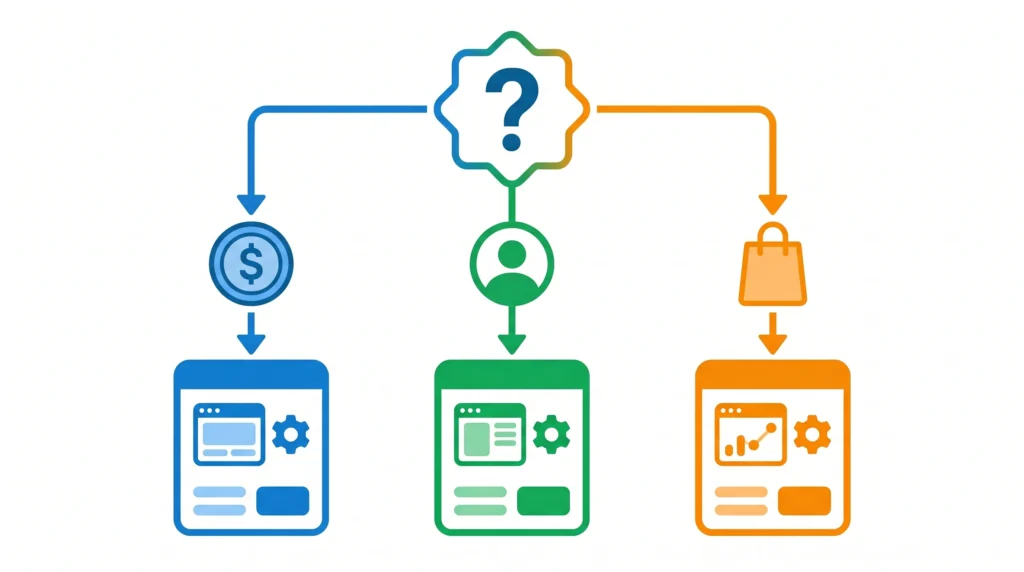
Before comparing any tools, answer this: What are you going to do with the image?
That single question determines everything. Here is why:
- If you are using the image for your own personal project, blog, or social media, almost any free tool works
- If you are delivering it to a client as part of a paid service, you need commercial use rights, and several free tiers do not include them
- If you are selling the image directly (on Etsy, print-on-demand, stock platforms), you need both commercial rights and ideally no watermark
- If you just want to experiment and see what AI image generation feels like, the no-signup, no-account options are the fastest starting point
Most “best of” lists ignore this entirely and rank tools by image quality alone. That is useful information, but quality without the right usage license is irrelevant if you cannot legally use what you create.
The Six Best Free AI Image Generators for Beginners in 2026
1. Adobe Firefly — Best Free AI Image Generator for Commercial Use
Why Firefly Stands Apart from Every Other Free Tool
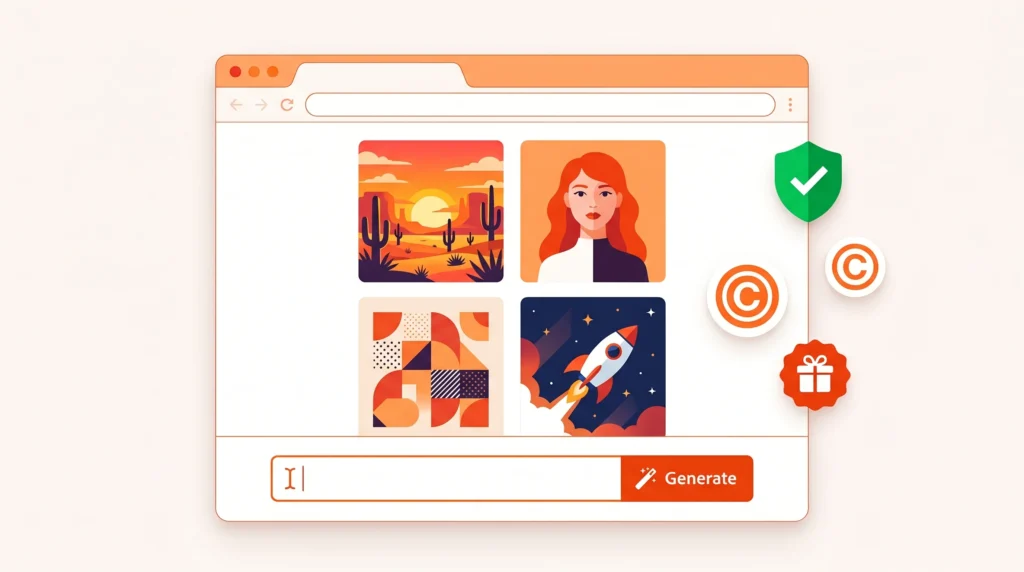
Adobe Firefly is the most important free AI image generator for anyone creating content with commercial intent, and the reason is specific: it is the only major tool trained exclusively on licensed content. Adobe Stock images, public domain material, and content where creators opted in form the entire training dataset. That means what comes out of Firefly carries no copyright ambiguity.
What the free tier includes:
- 25 generative credits per month (resets monthly, no payment required)
- Full commercial use rights on all generated images
- No watermark on downloaded images
- Access via browser, no software installation needed
- Integration with Canva, Google Docs, and Adobe Express
What it does not include:
- High-volume generation: 25 credits per month is genuinely tight for frequent users
- The absolute highest image quality available in 2026
Best for: Bloggers, small business owners, Etsy sellers, and anyone creating images they plan to sell or use in client-facing work. If commercial use matters and you want zero legal exposure, Firefly is the starting point.
Prompt tip for beginners: Firefly responds well to descriptive, specific prompts. Instead of “a dog in a park,” try “a golden retriever sitting in a sunny park, soft morning light, photorealistic, warm tones.” The more visual detail you provide, the better the output.
2. Bing Image Creator (Microsoft Designer) — Best Free AI Image Generator for Everyday Use
DALL-E Quality at Zero Cost, With One Catch
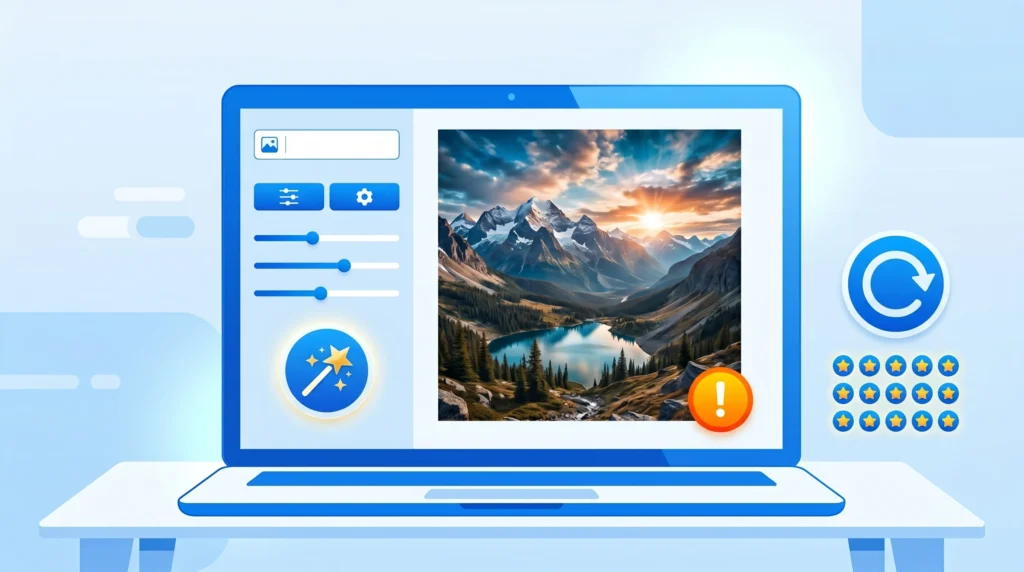
Bing Image Creator is powered by DALL-E technology and represents one of the most capable free image generation options available in 2026. The free tier is genuinely generous: 15 fast generations per day, with additional slower generations available beyond that limit. The catch is the Microsoft account requirement, and the small Bing watermark that appears on downloads.
What the free tier includes:
- 15 fast “boosts” daily; unlimited slower generations after
- DALL-E-powered output quality (one of the highest in any free tier)
- Available on mobile via the Microsoft Copilot app
- No credit card required; Microsoft account is free to create
What it does not include:
- Watermark-free downloads: every image has a small corner watermark
- Full commercial use rights: Bing’s terms restrict commercial use on the free tier
Best for: Personal projects, social media posts for non-commercial accounts, brainstorming visuals, blog graphics where the watermark can be cropped, and anyone who wants high image quality without paying anything.
Prompt tip for beginners: Bing Image Creator handles style descriptors well. Adding words like “cinematic,” “4K,” “minimalist,” “watercolor,” or “flat design illustration” at the end of your prompt significantly changes the output style.
3. Canva AI (Dream Lab) — Best Free AI Image Generator for Non-Designers
When the Image Is Just the Starting Point
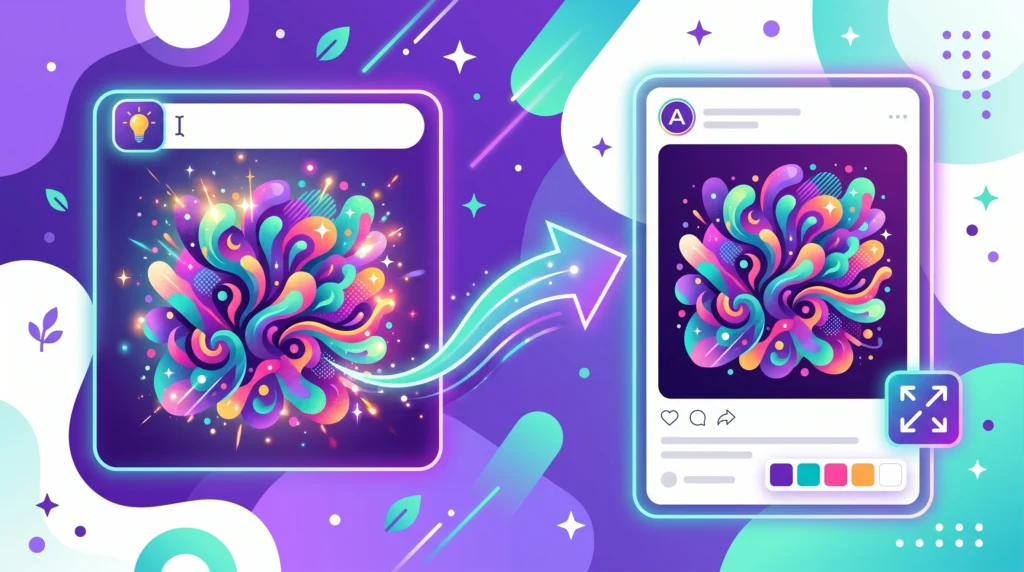
Canva’s AI image generator is not the most powerful generation engine in this list, but it has an advantage no other tool offers: the generated image drops directly into Canva’s design editor, where you can add text, resize for specific platforms, apply templates, and export in the exact format you need.
For a blogger creating a featured image, a small business owner designing a promotional graphic, or a student putting together a presentation, this integrated workflow is more valuable than raw image quality alone.
What the free tier includes:
- 50 lifetime text-to-image generations on the free account
- Direct editing within Canva’s design tools immediately after generation
- Export in multiple formats, sizes, and platform-specific dimensions
- No watermark on downloaded designs
What it does not include:
- High-volume generation: 50 lifetime uses runs out quickly for active users
- The stylistic flexibility of dedicated image generation tools like Leonardo
Best for: Beginners who need a finished, designed output rather than a raw image. If your goal is a social media post, a blog header, or a presentation slide rather than a standalone image file, Canva’s integration makes the overall workflow significantly faster.
4. Leonardo AI — Best Free AI Image Generator for Style Variety
The Most Versatile Free Tier for Creative Work
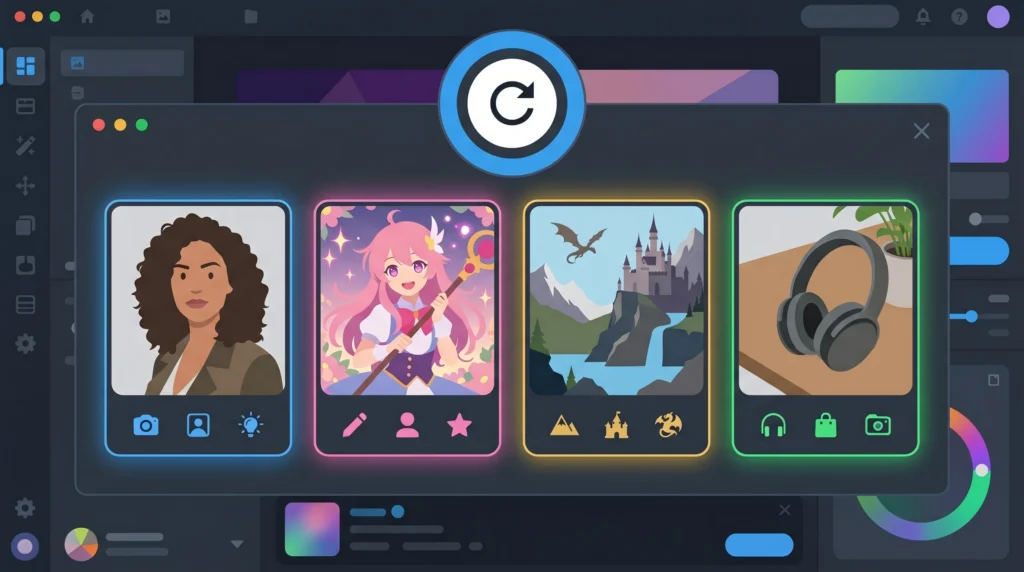
Leonardo AI offers one of the most generous free tiers of any dedicated AI image generator in 2026: 150 tokens per day, refreshing daily, with access to multiple specialized models. This daily reset structure means consistent, ongoing access without a monthly credit cap that runs dry in the first week.
The models available on the free tier cover an unusually wide range of styles: photorealistic outputs, anime and illustration styles, fantasy art, product photography aesthetics, and architectural visualization. For beginners exploring what AI image generation can produce across different styles, Leonardo is genuinely the best starting point.
What the free tier includes:
- 150 tokens per day, resetting every 24 hours
- Access to multiple model styles including photoreal, anime, and illustration
- No watermark on most outputs
- Image upscaling tools included
What it does not include:
- Commercial use is restricted on the free tier for some model categories (check the terms for your specific use case)
- The absolute photorealism quality of Midjourney (which has no meaningful free tier in 2026)
Best for: Anyone who wants to explore different creative styles, content creators building a varied image library, and beginners who want to experiment freely without running out of credits mid-session.
Prompt tip for beginners: Leonardo allows you to select a model before generating. Try the “Leonardo Diffusion XL” model for photorealistic images and “Anime Pastel Dream” for illustrated or stylized outputs. Matching the model to your style goal makes a significant difference.
5. Google ImageFX (via Google AI Test Kitchen) — Best Free AI Image Generator for Photo-Quality Output
Google’s Quiet Powerhouse That Most Beginners Miss
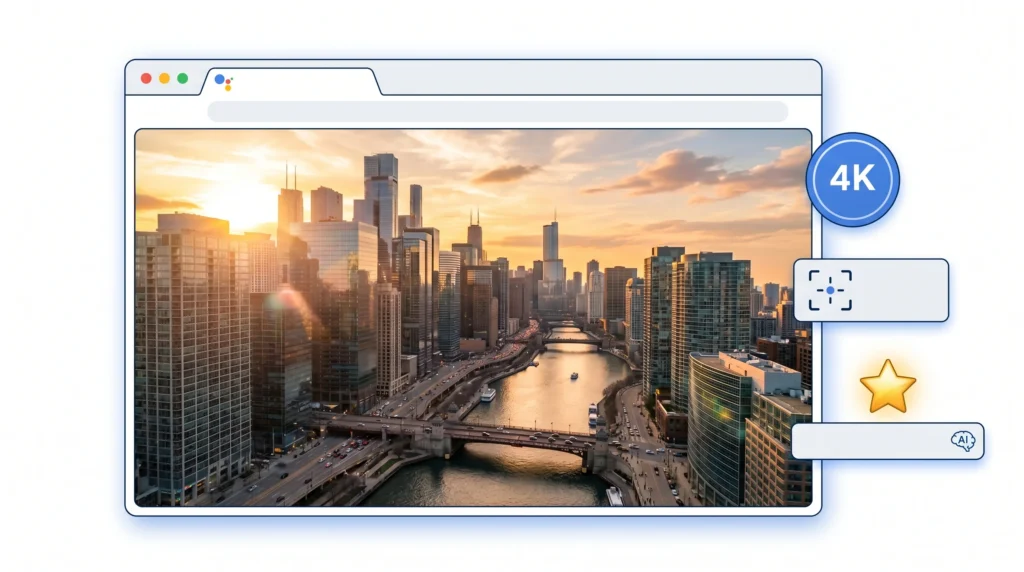
Google’s ImageFX, powered by the Imagen 3 model, consistently produces some of the highest-quality photorealistic outputs available on a free tier. It is less well-known than the tools above, but that lower profile means less competition in search results and, for users, a less congested generation queue.
What the free tier includes:
- Daily free generations via Google account (no payment required)
- Imagen 3 powered output: exceptional photorealism and prompt adherence
- Browser-based, no installation
- Available through Google AI Test Kitchen
What it does not include:
- Style variety comparable to Leonardo’s model selection
- Clear commercial use policy for all use cases: check current terms before using for commercial projects
Best for: Users who prioritize photorealistic output above all else: product concepts, portrait-style images, architectural visuals, and lifestyle photography.
6. Ideogram — Best Free AI Image Generator for Text Inside Images
The Tool That Solves AI’s Biggest Weakness
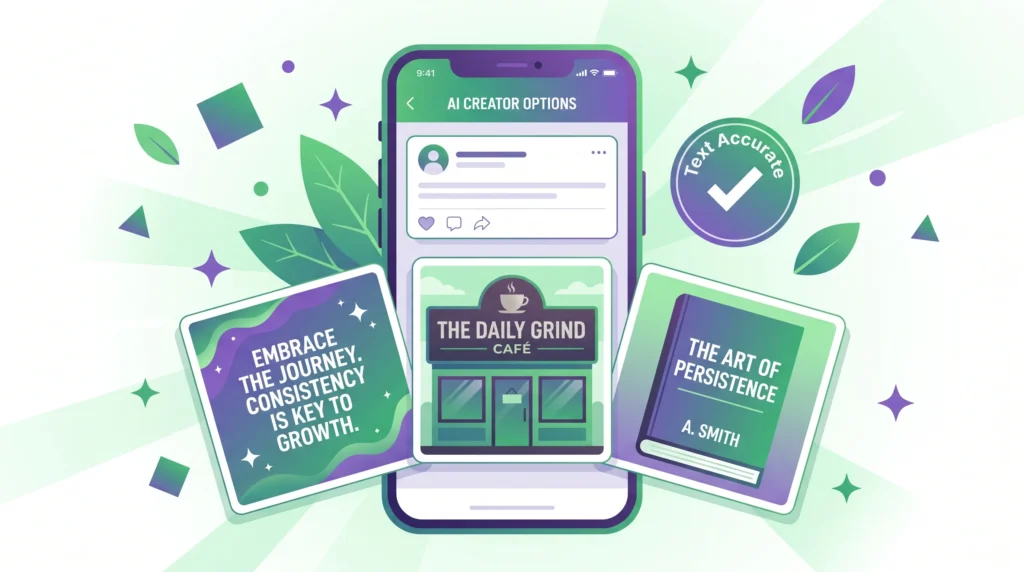
Every AI image generator in 2026 still struggles with one specific problem: putting readable, accurate text inside an image. Ask any other tool on this list to generate an image with a storefront sign, a book cover title, or a motivational quote over a background, and the text will almost certainly come out misspelled, distorted, or unreadable.
Ideogram was built specifically to solve this. Its text-rendering capabilities are significantly ahead of every other free tool, making it uniquely valuable for a specific category of use cases.
What the free tier includes:
- Limited daily free generations
- Exceptionally accurate text rendering within generated images
- Style controls for realistic, design, and illustration outputs
What it does not include:
- The volume of daily generations that Leonardo or Bing offer
- Broad model variety
Best for: Creating social media quote graphics, blog thumbnails with text overlay, promotional materials with readable copy, book covers, and any image where text accuracy is more important than photorealism.
How to Pick the Right Free AI Image Tool for Your Situation
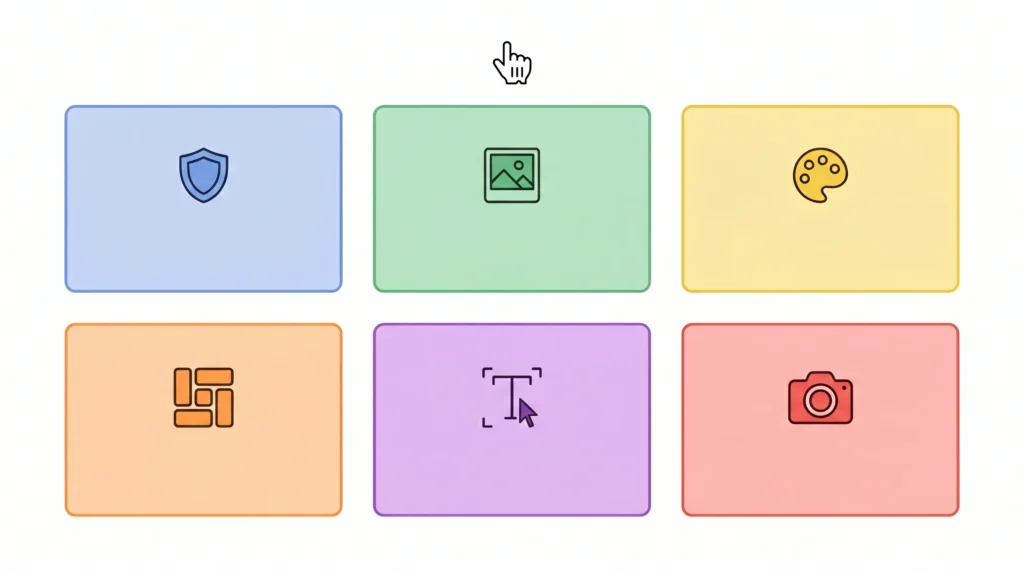
Best Free AI Image Generator for Beginners: Decision Framework
Rather than recommending one “best” tool, here is the honest decision map:
If you need commercial use rights with zero copyright risk: Adobe Firefly, exclusively. The 25 monthly credits are limited, so use them for your most important commercial projects.
If you need the highest image quality for personal or blog use: Bing Image Creator (DALL-E quality, daily refresh, watermark is usually croppable).
If you want to explore styles freely without running out of credits quickly: Leonardo AI, with its daily-reset 150 token allowance and multi-model access.
If you are building a finished design (social post, blog graphic, presentation): Canva AI, where the generated image stays inside the design editor and becomes a complete layout.
If your image needs readable text inside it: Ideogram, without question.
If you want the best photorealism and are comfortable with Google’s ecosystem: Google ImageFX via AI Test Kitchen.
What Beginners Get Wrong About AI Image Prompts
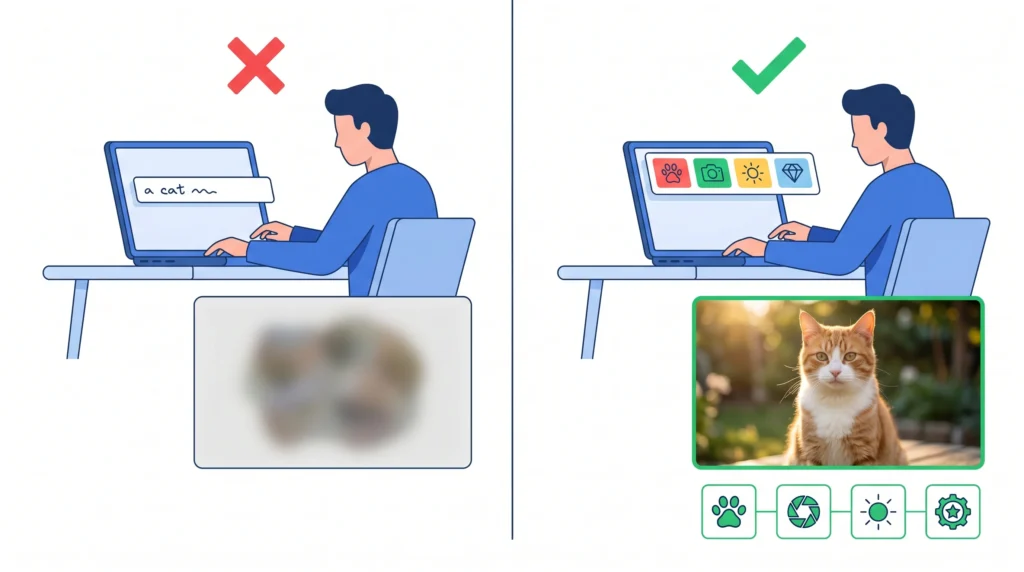
Most beginners write prompts the way they would describe an image in conversation: “a cat sitting on a chair.” That produces a serviceable but generic result. The prompts that generate genuinely impressive images are structured differently:
The four elements of an effective AI image prompt:
- Subject: what is in the image (a tabby cat, a modern living room, a storefront at night)
- Style: what aesthetic you want (photorealistic, watercolor, flat design, cinematic, minimalist)
- Lighting and mood: how the image should feel (golden hour lighting, dramatic shadows, soft diffused light, energetic and bright)
- Technical quality descriptors: words that signal high resolution output (4K, highly detailed, professional photography, sharp focus)
Combining these four elements transforms “a cat sitting on a chair” into “a tabby cat sitting on a mid-century modern armchair, soft afternoon light through a window, photorealistic, 4K, cozy interior atmosphere.” The difference in output quality is substantial.
One more practical note: negative prompts matter. Most free tools allow you to specify what you do not want. Common additions include “no text,” “no watermark,” “no blurry elements,” and “no extra limbs” for human figures. Using negative prompts cuts revision time significantly.
Commercial Use: The Rules Most Beginners Ignore (And Regret Later)
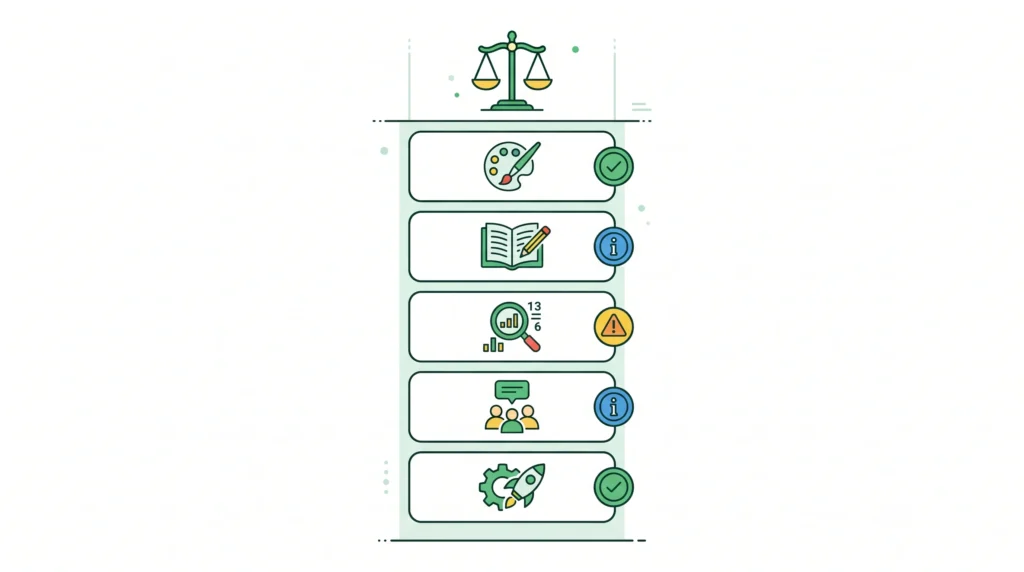
This section matters particularly for anyone who has been reading through the guides on how to make money with AI art without any skills or AI tools to make money online without investment: the commercial use terms on free tiers vary dramatically, and getting this wrong creates real legal exposure.
The current landscape in 2026:
- Adobe Firefly: Free tier output is fully commercially licensed. This is the clearest, safest option.
- Bing Image Creator free tier: Commercial use is restricted. For personal and editorial use only.
- Leonardo AI free tier: Commercial use is permitted on most standard models; some premium models require a paid plan. Read the specific model’s terms.
- Canva free tier: Canva licenses the design for personal and commercial use, but the specific terms around AI-generated elements should be confirmed for commercial products.
- Google ImageFX: Commercial use policy is still evolving; check current terms before using for commercial projects.
- Ideogram free tier: Permits personal use; commercial use requires a paid plan.
The practical approach: if an image is going on a client deliverable, a product you are selling, or any platform where money changes hands, use Adobe Firefly or verify the specific terms for the tool you are using before delivering the work.
Frequently Asked Questions
Q. Which free AI image generator produces the best quality output in 2026?
For photorealism, Bing Image Creator (powered by DALL-E) and Google ImageFX produce the highest-quality outputs on free tiers as of 2026. For artistic and illustrated styles, Leonardo AI’s free multi-model access covers more creative ground than any other free option. “Best quality” ultimately depends on the style you are targeting.
Q. Can I use free AI-generated images for my blog without any legal risk?
For editorial and informational blog use, most free tier images are fine. The legal risk appears when you use those images commercially: as product images, in paid advertising, or as part of a service you deliver to clients. Adobe Firefly is the safest choice for commercial blog content because of its exclusively licensed training data.
Q. Is there a free AI image generator that requires no account and no signup?
Yes. Tools like Perchance’s text-to-image generator and Craiyon offer image generation without requiring an account. The trade-off is lower output quality and, in Craiyon’s case, watermarked images. For quick concept testing or experimenting with prompting without any commitment, these are useful starting points.
Q. How many images can I realistically generate for free each month?
Combining the tools in this guide: Leonardo AI’s 150 daily tokens (roughly 4,500 per month), Bing Image Creator’s 15 fast daily generations (450 per month), plus Adobe Firefly’s 25 monthly credits gives you a significant free image budget. Using tools strategically, beginners can generate hundreds of images per month across multiple free-tier accounts without spending anything.
Q. What is the biggest mistake beginners make with AI image generators?
Writing vague, short prompts. “A mountain landscape” gives the AI almost no direction. “Snow-capped mountain peaks at golden hour, pine forest in the foreground, dramatic clouds, wide cinematic composition, photorealistic, high detail” gives it enough to produce something genuinely impressive. The time investment in writing a better prompt is always worth it.
Final Thoughts
The best free AI image generator for beginners in 2026 is not a single tool; it is a toolkit. Adobe Firefly for commercial work, Leonardo AI for daily creative exploration, Bing Image Creator for high-quality personal use, Canva AI for finished designs, and Ideogram when text accuracy matters. Each of these is free at a level that is genuinely useful, not just a teaser for a paid plan.
What has changed in 2026 is that the free tiers are good enough to produce professional-quality images for most beginner use cases. The tools that existed three years ago, with their visible artifacts and distorted hands, are not what these platforms deliver today. If you have been waiting to experiment with AI image generation because the output looked unconvincing, the output you were looking at is no longer representative.
Start with one tool. Generate twenty images. Learn how your prompts affect the output. Then layer in a second tool for the specific use case where the first one falls short. The learning curve is shorter than it looks from the outside, and the applications, from blogging to freelancing to building a digital product business, are real.