

Hiring a virtual assistant used to be the obvious move for entrepreneurs, freelancers, and small business owners who wanted to reclaim their time. Hand off the emails, the scheduling, the research, the admin, and focus on the work that actually generates income. But now, AI tools that replace a virtual assistant are changing the game by automating many of these tasks faster and at a fraction of the cost. It made sense, and for a long time, it worked well.
In 2026, that calculation has shifted significantly. Not because virtual assistants are no longer talented or capable, but because a new category of AI tools has emerged that can handle the most time-consuming VA tasks around the clock, at a fraction of the cost, and with zero onboarding time.
This guide covers every major task a virtual assistant typically handles and matches each one with the AI tool best equipped to replace it: email management, scheduling, research, customer support, content drafting, data entry, and social media. If you have been paying for a VA or considering hiring one, read this first.
And if you have already read our guides on the best free AI tools for students and AI tools for freelancing on Fiverr and Upwork, you will recognize a familiar pattern: the right AI tool, used consistently, eliminates entire categories of manual work.
What a Virtual Assistant Actually Does Every Day
Understanding the VA Role Before Replacing It
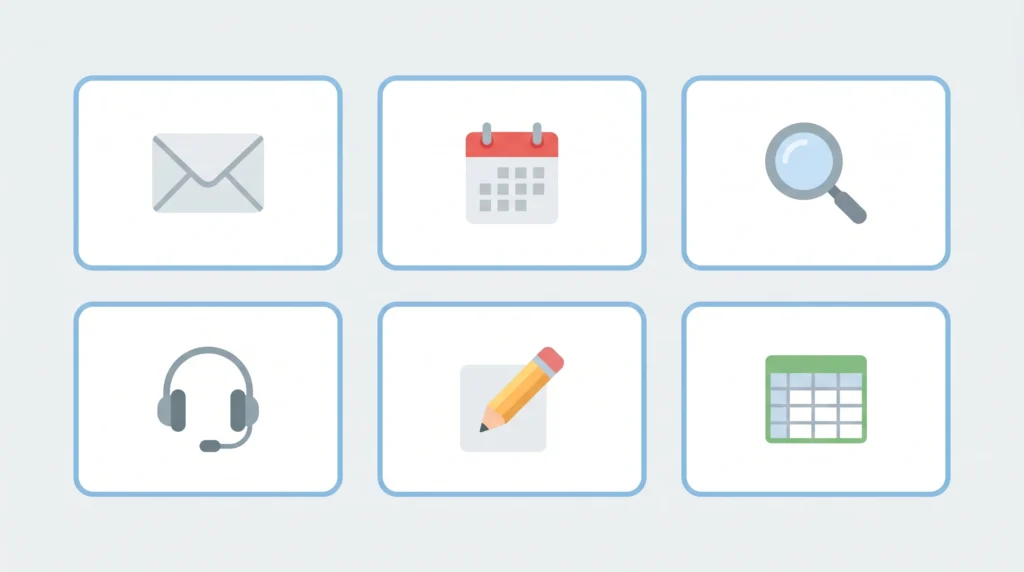
Before replacing anything, it helps to be precise about what a virtual assistant actually spends their time on. Most VA work falls into six core categories:
- Email management: reading, sorting, drafting replies, flagging priority messages, and unsubscribing from newsletters
- Calendar and scheduling: booking meetings, sending invites, managing rescheduling, avoiding conflicts
- Research: finding information, compiling data, summarizing reports, competitor research
- Customer support: answering routine inquiries, following up with clients, handling basic complaints
- Content assistance: drafting social media posts, writing first-draft emails, formatting documents
- Data entry and organization: updating spreadsheets, managing CRM records, organizing files and folders
Each of these categories now has one or more AI tools that can handle the work reliably, consistently, and without a monthly retainer.
AI Tools That Replace a Virtual Assistant: Task-by-Task Breakdown
AI Tools for Email Management: The Biggest Time Drain, Solved

How AI Tools That Replace a Virtual Assistant Handle Your Inbox
Email is where most people lose the most time: reading threads they do not need to act on, drafting replies that follow predictable patterns, and managing an inbox that never actually reaches zero. AI tools address all three problems simultaneously.
ChatGPT is the most flexible email management tool available. Paste in an email thread and ask it to summarize the key points; it does so in seconds. Describe the situation and ask to draft a reply; the draft is ready before you have finished thinking about what to say. For entrepreneurs managing high volumes of client communication, this alone saves hours per week.
Practical uses:
- Draft professional replies from a one-line description of your intent
- Summarize long email threads into a three-line action summary
- Write follow-up sequences for client onboarding or sales outreach
- Translate formal corporate language into clear, plain-English replies
Shortwave (Free Tier Available):
Shortwave is an AI-powered email client that replaces your standard inbox interface entirely. It automatically summarizes long threads, drafts replies in your writing voice, and triage-sorts your inbox so that genuinely important messages surface first. The AI learns your communication patterns over time, which means the drafts it produces become more accurate the longer you use it.
Every email you send reflects on your professionalism. Grammarly ensures that drafted AI emails and everything else you write are grammatically correct, tonally appropriate, and clear before they go out. The tone detection feature is particularly useful: it tells you whether a message reads as apologetic, aggressive, or confident, and suggests adjustments accordingly.
AI Tools for Scheduling and Calendar Management
Replace Your VA’s Scheduling Tasks with AI That Never Double-Books
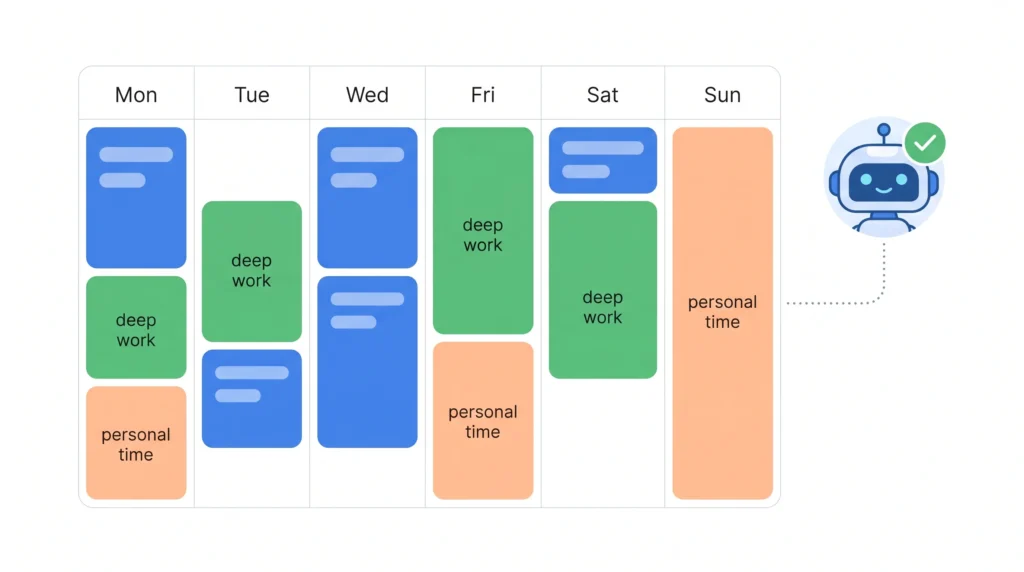
Scheduling is one of the most predictable, rule-based tasks a VA handles, which makes it one of the easiest for AI to take over entirely.
Reclaim AI (Free Tier Available):
Reclaim AI is one of the most sophisticated AI scheduling tools available in 2026. It integrates directly with Google Calendar, analyzes your existing commitments, and automatically schedules tasks, focus blocks, and meetings around your real priorities. If a meeting gets moved, Reclaim adjusts everything downstream automatically.
Key features:
- Habit scheduling: protects recurring time blocks for deep work, exercise, or personal commitments
- Smart 1:1 scheduling: finds optimal meeting times by analyzing both participants’ calendars
- Task duration intelligence: estimates how long tasks will take and schedules them realistically
- Automatic rescheduling when conflicts arise
Calendly (Free Tier Available):
Calendly eliminates the back-and-forth of meeting scheduling. Share your Calendly link, the other person picks a time that works for them, and the meeting appears in both calendars automatically. No emails, no “does Tuesday work for you,” no double-booking. The AI layer in the paid version analyzes meeting patterns and suggests optimal scheduling windows based on your productivity data.
AI Tools for Research and Information Gathering

AI Tools That Replace a Virtual Assistant for Research Tasks
Research is where AI tools most dramatically outperform human VAs on pure speed. A task that takes a VA two hours, finding, reading, and summarizing five competitor websites, takes a well-prompted AI tool approximately four minutes.
Perplexity AI is the research tool that most closely replicates what a high-quality human researcher delivers: sourced, accurate, current answers to specific questions. Unlike ChatGPT’s training-data-limited responses, Perplexity searches the web in real time and provides answers with inline citations so you can verify every claim.
Use cases for business owners:
- Competitor research: “Summarize the main products, pricing, and positioning of these five competitors.”
- Market research: “What are the most common customer complaints about X product category?”
- Background research before client calls: “Summarize this company’s recent news and challenges.”
- Industry trend summaries: “What are the key developments in the X industry in the last six months?”
Notion AI turns your workspace into a research hub. Upload documents, meeting notes, and reports; then ask it questions about your own materials. For business owners managing large amounts of internal information, this replaces the VA task of organizing and surfacing relevant information from an ever-growing document library.
AI Tools for Customer Support and Client Communication
How AI Tools Replace VA Tasks in Customer-Facing Roles
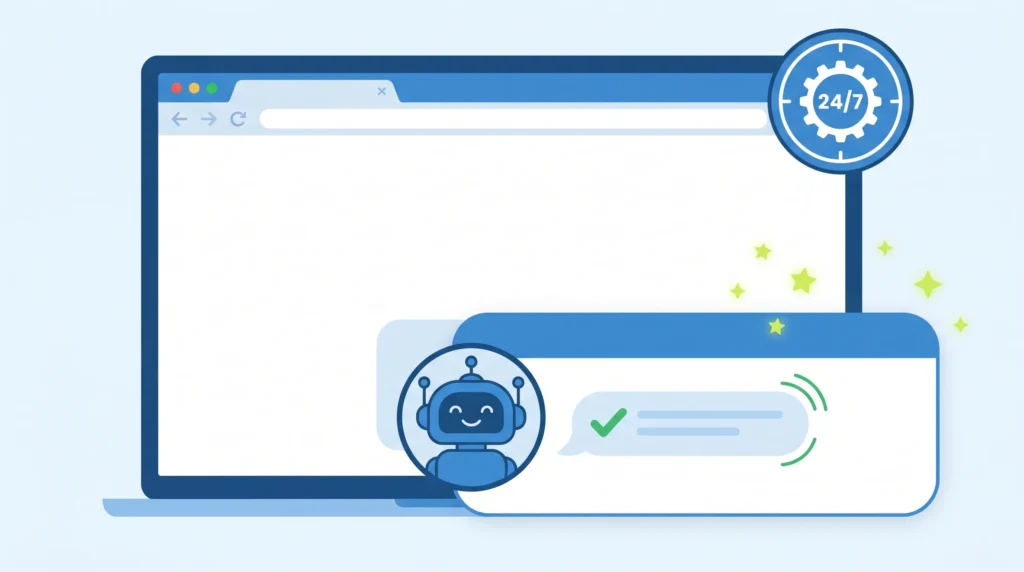
Customer support is one of the highest-volume, most repetitive VA tasks: answering the same ten questions repeatedly, following up with clients on project status, and handling routine inquiries that do not require judgment or nuance.
Tidio is an AI-powered chatbot and live chat platform that handles customer inquiries on your website around the clock. Its AI responds to common questions instantly, collects lead information, and escalates to a human only when genuinely necessary. For e-commerce sellers and service businesses, Tidio replaces a significant portion of the customer support workload that typically falls to a VA.
ChatGPT Custom GPTs (Free and Paid):
Building a custom ChatGPT assistant trained on your specific business information, FAQs, product details, and service policies allows you to deploy an AI that answers customer questions with your specific knowledge base. This goes significantly beyond a generic chatbot; it gives clients accurate, brand-specific responses without requiring any human intervention for routine queries.
AI Tools for Content Drafting and Social Media

AI Tools That Replace a Virtual Assistant for Content Tasks
Many VAs spend a substantial portion of their time on content-related work: drafting social media posts, writing newsletter blurbs, formatting blog content, and repurposing long-form material into shorter formats. Every one of these tasks is now well within the capabilities of free AI tools.
For written content, ChatGPT handles first drafts of social media posts, email newsletters, blog outlines, and client update messages efficiently. Jasper AI, covered in depth in the AI tools for freelancing on Fiverr and Upwork guide, adds marketing-specific templates and tone controls that make it particularly strong for business content at scale.
Buffer AI Assistant (Free Tier):
Buffer, the social media scheduling tool, now includes an AI assistant that generates post ideas, rewrites content for different platforms, and suggests optimal posting times based on your audience engagement data. For business owners who need a consistent social media presence without dedicating hours to it, Buffer AI handles the content creation and scheduling workflow that a VA would typically manage.
Visual content is a core part of most social media strategies. Canva’s AI tools, as covered in the best free AI tools for students guide for academic use, are equally powerful for business applications: generating graphics, resizing content for different platforms, and producing professional-quality visuals from a simple text description.
AI Tools for Data Entry and Organization
Replacing the Most Tedious VA Tasks with Intelligent Automation
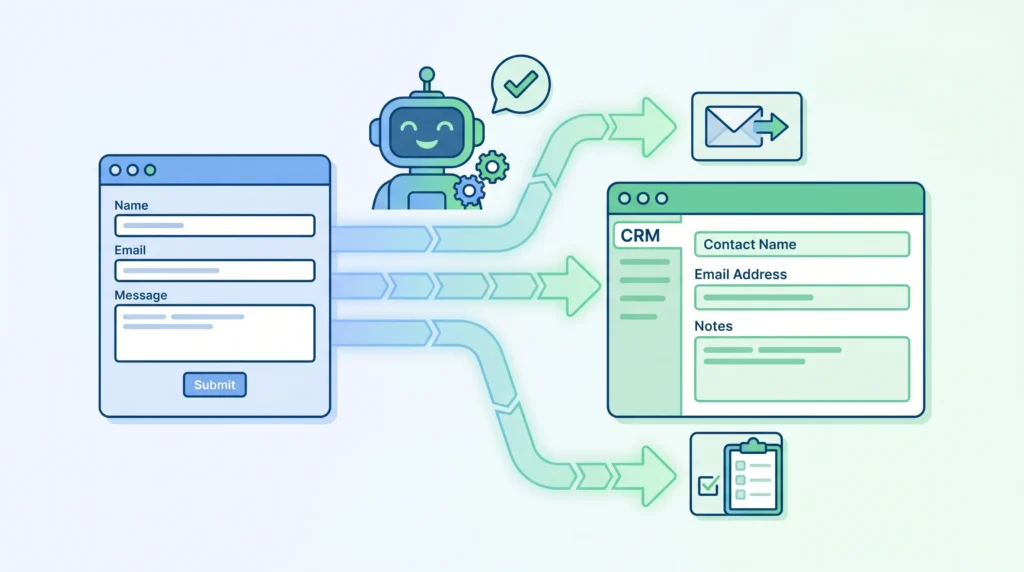
Data entry is the task most VAs dislike most, and the one that AI automation handles most reliably. Repetitive, rule-based, and time-consuming: it is exactly the type of work that AI tools are built for.
Zapier with AI (Free Tier Available):
Zapier connects your apps and automates workflows between them. With its AI layer, you can create automations in plain language rather than technical configurations: “When a new lead fills out my contact form, add their details to my CRM, send them a welcome email, and create a follow-up task in my project management tool.” These multi-step automations replace the manual data management that VAs typically handle across multiple platforms.
Notion AI and Google Sheets with AI Extensions:
For organizing existing data, Notion AI can categorize, tag, and summarize large amounts of information automatically. Google Sheets’ AI extensions can clean data, identify patterns, and generate summaries from raw spreadsheet content; tasks that previously required careful human attention.
Cost Comparison: Hiring a VA vs. Building an AI Tool Stack

What AI Tools That Replace a Virtual Assistant Actually Cost
This is the calculation that matters most for small business owners and entrepreneurs evaluating whether to hire or automate:
Typical VA cost: $400 to $1,500 per month for part-time work, depending on experience and location.
AI tool stack cost (covering all the same tasks):
- ChatGPT Plus: $20 per month
- Reclaim AI paid: $10 per month
- Perplexity AI Pro: $20 per month
- Grammarly Premium: $12 per month
- Buffer Essentials: $6 per month
- Zapier Starter: $20 per month
Total: approximately $88 per month for a tool stack that covers every major VA task category, operates 24 hours a day, and requires no management overhead.
The honest caveat: a skilled human VA brings judgment, relationship management, and contextual understanding that no AI tool fully replicates yet. The tools above handle the volume and the routine; the genuinely complex decisions still benefit from human input.
Tasks Where AI Tools Still Fall Short
Not every VA task is ready to be fully automated in 2026. Being realistic about the limitations saves you the frustration of expecting AI to perform where it genuinely struggles:
- Relationship-sensitive communication: Handling a frustrated long-term client requires empathy and contextual judgment that AI tools manage poorly in nuanced situations
- Novel problem-solving: When a situation has no clear precedent, a skilled VA’s judgment outperforms AI pattern-matching
- Complex multi-party coordination: Coordinating across multiple stakeholders with conflicting priorities involves social intelligence that AI tools approximate but do not fully replicate
- Physical or in-person tasks: Research, scheduling, and communication are automatable; anything requiring a physical presence is not
How to Build Your Own AI Virtual Assistant Stack
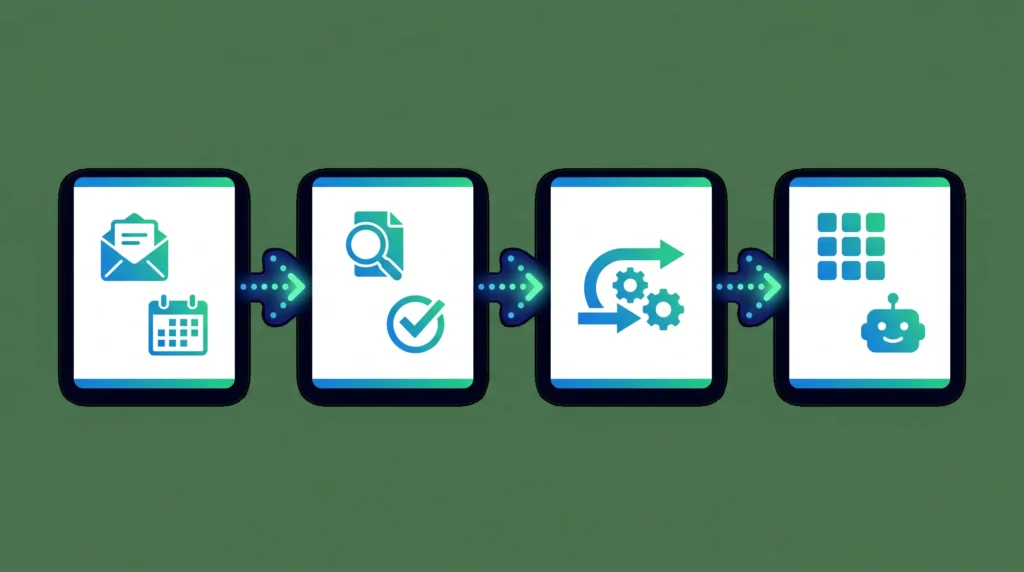
AI Tools That Replace a Virtual Assistant: Your Setup Guide
You do not need to implement everything at once. The most practical approach is to replace your highest-volume, most repetitive tasks first, then expand:
- Week 1: Set up ChatGPT for email drafting and Reclaim AI for calendar management; these two alone recover significant time immediately
- Week 2: Add Perplexity AI for research tasks and Grammarly for all outgoing communication
- Week 3: Implement Zapier automations for your most repetitive data workflows
- Week 4: Set up Buffer AI for social media and a custom ChatGPT assistant for customer FAQ handling
Within a month, you will have replaced the core of what a part-time VA provides, at a fraction of the cost, with systems that run continuously.
Frequently Asked Questions
Q. Can AI tools fully replace a human virtual assistant?
For routine, repetitive, and rule-based tasks: yes, comprehensively. For judgment-heavy, relationship-sensitive, or genuinely complex situations: not entirely. The most practical approach for most businesses is using AI tools to handle the volume, freeing human attention, whether yours or a VA’s, for the work that genuinely requires it.
Q. Which single AI tool is closest to a complete virtual assistant replacement?
ChatGPT, particularly with custom GPT configurations, comes closest to a general-purpose virtual assistant in 2026. It handles email drafting, research, scheduling assistance, content creation, and customer FAQ responses within a single interface. Its limitations are primarily in direct app integrations, which tools like Zapier and Reclaim AI fill effectively.
Q. Are these AI tools secure enough for business use?
Most enterprise-tier AI tools, including ChatGPT Teams, Notion AI, and Reclaim AI, offer data privacy controls suitable for business use. Always review the data retention policies of any tool before using it with sensitive client or financial information. For regulated industries, look specifically for SOC 2 compliant options.
Q. How long does it take to set up an AI virtual assistant stack?
Most of the tools covered in this guide are operational within minutes of signing up. Building effective workflows, particularly custom ChatGPT assistants and Zapier automations, takes two to four hours of initial setup. The time investment pays back within the first week of use.
Final Thoughts
The question in 2026 is no longer whether AI can replace virtual assistant tasks. It is which combination of tools covers your specific workflow most efficiently, and how quickly you can set them up.
The tools in this guide are not experimental; they are being used by thousands of business owners right now to manage their inboxes, calendars, research, customer communication, and content workflows without a human assistant. The cost savings are real, the time savings are immediate, and the learning curve is shorter than most people expect.
Start with email and scheduling, the two highest-volume VA tasks for most business owners, and build from there. Within a month, you will have a working AI assistant stack that runs while you sleep.