
What You Will Learn in This Guide
Discover which AI tools solve real freelancing problems on Fiverr and Upwork, covering writing, design, proposals, client communication, and workflow automation. Each tool comes with a clear use case so you can start applying it immediately.
Why Freelancers Who Use AI Are Earning More Right Now
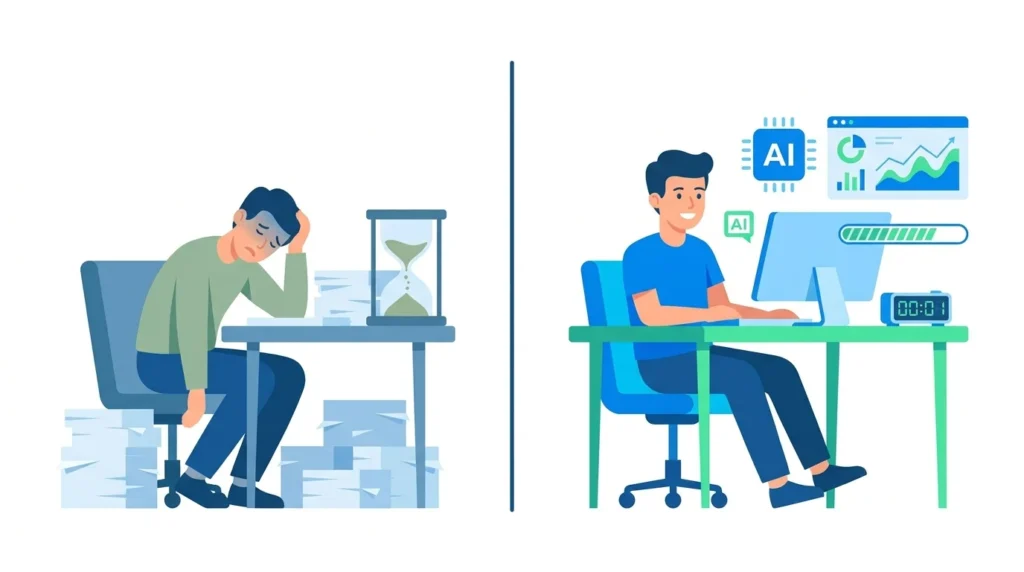
There was a time when landing your first freelance client felt like climbing a mountain with no gear. You would spend hours crafting a proposal, second-guessing every word, only to hear nothing back. Fast forward to today, and the landscape has shifted dramatically, not because clients became easier, but because the tools available to freelancers have become dramatically smarter.
Artificial intelligence has quietly become the competitive edge that separates thriving freelancers from those still struggling to get noticed. Whether you are building your presence on Fiverr or actively bidding on Upwork, the right AI tools can transform how you work, cutting time on repetitive tasks and sharpening the quality of output you deliver to clients.
Demand for AI-related skills on major freelancing platforms has grown at a remarkable pace, with industry analysts noting triple-digit increases in job postings that mention AI proficiency. But here is what most people miss: AI is not just creating new job categories; it is making existing freelancers dramatically more efficient.
A content writer who previously delivered two blog posts per week can now handle five projects in the same timeframe, without sacrificing quality. A graphic designer using AI-powered tools can offer clients revisions far faster than a competitor working manually. On platforms where response time and delivery speed directly influence algorithm rankings, this advantage compounds over time.
Key insight: AI tools do not replace your skills; they amplify them. A freelancer with strong skills plus the right AI tools will consistently outperform a more experienced freelancer who ignores these resources.
The Best AI Tools for Freelancers on Fiverr and Upwork
Not all AI tools are created equal. The following breakdown focuses on tools that deliver measurable value inside the real freelance workflow, from finding work to delivering it.
1. ChatGPT: Your Always-Available Writing Partner
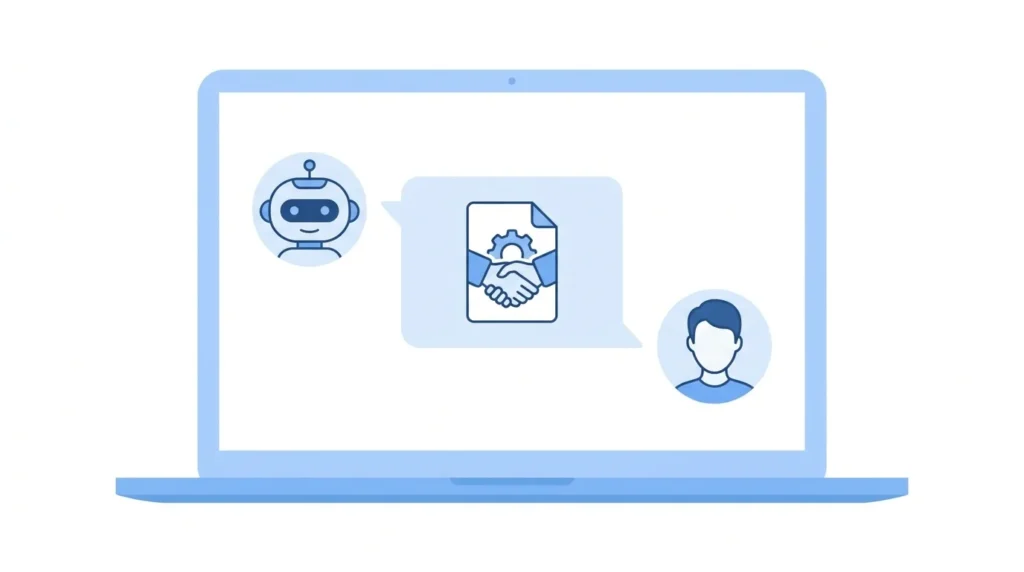 If there is one AI tool every freelancer should have open during their workday, it is ChatGPT. Its versatility is unmatched. Writers use it to beat creative blocks and generate article outlines in seconds. Developers use it to debug code and generate documentation. Marketers use it to draft email sequences, ad copy, and social media captions at scale.
On Upwork specifically, ChatGPT has proven especially useful for crafting initial proposal drafts. The platform receives dozens, sometimes hundreds, of applications per job posting. A proposal that addresses the client’s actual problem rather than reciting your credentials will almost always outperform the generic alternatives. ChatGPT, when given the job description and a brief note about your experience, can structure a proposal that mirrors the client’s language and priorities.
On Fiverr, ChatGPT helps sellers write gig descriptions that rank in Fiverr’s internal search, generate FAQ sections that address buyer hesitations, and craft buyer request responses that convert.
Pro Tip: Paste the job description into ChatGPT and use this prompt: “Write an Upwork proposal for this job. Open by addressing the client’s main challenge directly. Keep it under 150 words. Do not start with ‘I’. Focus on what the client gains, not my credentials.” Then personalize the draft in your own voice before submitting.
2. Grammarly: The Difference Between Professional and Amateur
Client communication on freelancing platforms is constant, including proposals, project updates, revision notes, and final delivery messages. Every message you send shapes how a client perceives your professionalism. A single awkward sentence or grammatical slip in a proposal can cost you the contract, even if your portfolio is strong.
Grammarly goes well beyond spell-checking. Its AI-powered tone detector tells you whether your message reads as confident, apologetic, or unclear, and suggests adjustments accordingly. For non-native English speakers competing for clients who expect polished communication, this tool is particularly valuable.
Freelancers who offer content writing, copywriting, email marketing, or virtual assistant services should treat Grammarly as a non-negotiable part of their toolset. On platforms where client reviews directly mention communication quality, consistent use of Grammarly protects your rating over the long term.
Pro Tip: Paste every proposal into Grammarly before submitting. Enable the Tone detection feature and aim for “confident” and “direct” readings; these consistently perform better than overly formal or apologetic tones.
3. Canva AI: Professional Design Without a Design Background
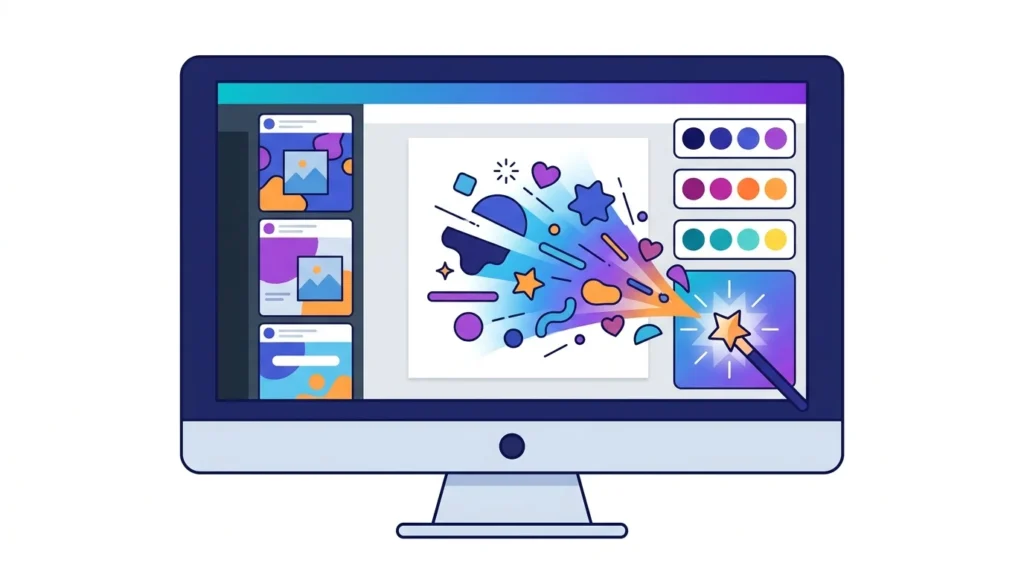
Fiverr’s most competitive niches often involve visual work, thumbnails, social media graphics, presentations, logos, and brand kits. Traditionally, breaking into these categories required either formal design training or years of practice with complex tools. Canva’s AI features have largely removed that barrier.
Canva’s Magic Design feature allows you to describe a concept in plain language and receive a professionally structured design template in return. The Text to Image tool generates custom illustrations and backgrounds that make deliverables look unique rather than generic. For freelancers offering social media management, the ability to produce a week’s worth of branded posts in under an hour is a genuine business advantage.
Beyond individual gigs, Canva AI is also useful for creating portfolio images and Fiverr gig thumbnails that attract clicks in the first place. A well-designed gig thumbnail can improve your click-through rate significantly, and more clicks mean more orders without any additional marketing effort.
Pro Tip: Use Canva AI to design your Fiverr gig thumbnail first. A clean, high-contrast image with readable text is the single most important visual decision you make when setting up a new gig.
4. Jasper AI: Advanced Content Creation at Scale
While ChatGPT excels at conversational tasks and short-form content, Jasper AI was built specifically for marketing and long-form content creation. It comes pre-loaded with templates for blog posts, product descriptions, email sequences, video scripts, and social media content, each designed around proven copywriting frameworks.
For freelancers who offer content packages to clients, say, four blog posts per month or a weekly newsletter, Jasper reduces the time spent on each piece without reducing depth or quality. Its tone controls allow you to shift between formal and conversational styles across different client brands, which is essential when managing multiple clients simultaneously.
Jasper also integrates with a browser extension, which means you can use it directly inside Google Docs or WordPress, making it genuinely practical for daily workflow rather than just occasional use.
Pro Tip: Use Jasper’s Boss Mode template for long-form blog posts and set the tone to match your client’s brand voice before you start. This saves significant editing time on every deliverable.
5. Notion AI: Managing Your Freelance Business Intelligently
Revenue is only one measure of a freelance business. The hidden cost that most freelancers underestimate is administrative time, tracking client projects, following up on invoices, organizing deliverables, and keeping notes from client calls. Notion AI addresses this overhead directly.
Notion’s workspace lets you build a customized system for managing clients, deadlines, and ongoing projects. The AI layer on top can summarize long documents, generate task lists from meeting notes, suggest project timelines, and draft client-facing project briefs from just a few bullet points.
For freelancers scaling from two or three clients to eight or ten, this kind of organizational support prevents the mistakes that damage ratings and client relationships. Many experienced freelancers use Notion AI to build proposal templates for different service categories, which they then customize quickly per client,, combining speed with personalization.
Pro Tip: Build a client onboarding template in Notion AI. When a new client comes on board, generate a full project brief, timeline, and information checklist in under five minutes — the kind of professionalism that earns five-star reviews.
6. Midjourney: A Serious Tool for Visual Freelancers
For freelancers working in illustration, concept art, book covers, or AI-generated imagery as a service, Midjourney has opened an entirely new category of gigs. The tool generates highly detailed, artistically compelling images from text descriptions, and the output quality has reached a level where clients actively seek it out.
On Fiverr, AI image generation services have become a fast-growing category. Buyers order custom portraits, fantasy landscapes, product visualization mockups, and children’s book illustrations, all generated through Midjourney with the freelancer’s creative direction and prompt expertise.
The real skill is not the software itself. It is knowing how to write prompts that produce consistent, client-satisfying results and how to refine the output for professional delivery. Freelancers who invest time in mastering Midjourney prompting can build a gig category with relatively low competition compared to traditional design services.
Pro Tip: Offer “AI-generated book covers” or “custom digital art” as your first Midjourney gigs, these niches have lower competition than general AI art, and buyers are willing to pay well for quality and fast turnaround.
How to Build a Winning Fiverr Gig Using AI Tools
A Fiverr gig is a product listing. What matters most is the combination of visibility, can buyers find it, and conversion, does it persuade them to order. AI tools improve both.
Start with your gig title and description. Use ChatGPT to generate five alternative titles for your gig, then compare which one most clearly communicates the outcome the buyer will receive. Buyers on Fiverr search with outcome-focused keywords, “professional logo design,” “SEO blog post,” “engaging social media captions”, not process-focused terms. The title that names the result will almost always outperform one that names the skill.
For your gig description, structure matters. The first sentence should state what you offer and for whom. The middle section should address common buyer hesitations, fast delivery, clear communication, and quality guarantee. The final section should tell the buyer exactly what to do next. ChatGPT can draft this structure in under a minute, which you then personalize with your specific experience.
Finally, use Canva AI to create a gig thumbnail that stands out from the category page. A clean, high-contrast image with readable text and a clear subject will outperform a cluttered or generic one regardless of how strong your portfolio is.
Writing Upwork Proposals That Actually Get Read

Upwork is a proposal-based platform. Every job you apply for requires a cover letter, and most job posts receive between fifteen and fifty applications within the first few hours. The proposals that lead to interviews share a few consistent characteristics.
Open with the client’s problem, not your background. Compare these two openers: “I have five years of experience in content writing and have worked with many clients across various industries.” versus “You need blog content that ranks in search and actually brings in readers, not just word count that fills a page.” The second demonstrates that you read the job post and understand what the client actually needs.
Be specific. Generic phrases like “I am detail-oriented and meet deadlines” appear in almost every proposal and are effectively invisible to experienced clients. A proposal that mentions a specific detail from the job post immediately signals that you are paying attention.
Keep it short. A focused 120-word proposal that directly addresses the client’s need consistently beats a 400-word overview of your entire career. Clients are busy; make it easy for them to see why you are the right choice.
End with a question. Close your proposal with something specific, like “Would a 3-day turnaround work for your timeline?” rather than a generic sign-off. A question invites a reply and positions you as proactive rather than passive.
Practical Tips to Maximize Your AI-Powered Freelancing Workflow
Understanding what these tools can do is one thing. Building them into a sustainable daily workflow is another. Here are specific practices that experienced AI-assisted freelancers use consistently:
- Batch your AI-assisted work. Block a daily session where you generate all your proposal drafts, outline the week’s content deliverables, and draft client update messages together. This reduces context-switching and keeps you in a productive flow.
- Always edit AI output before sending or delivering. The most common mistake new users make is treating AI output as final. Clients and hiring managers recognize generic AI phrasing quickly. Adding specific examples and adjusting the tone to match your voice turns a draft into something genuinely compelling.
- Use AI tools to research, not just create. Before writing a proposal for an unfamiliar industry, ask ChatGPT to explain the main challenges businesses in that sector face. This background knowledge lets you write proposals that demonstrate domain understanding, a powerful differentiator.
- Track what works and iterate. If a particular proposal structure leads to higher interview rates, study what made it work and replicate those elements. Treat your freelance business like a product that you continuously improve.
- Stay transparent when clients ask about your process. Most clients do not object to AI-assisted work; they care about the outcome. Being honest that you use these tools efficiently, while emphasizing that you personally review and refine everything, builds rather than undermines trust.
Common Mistakes Freelancers Make When Using AI Tools

The wrong approach to AI tools can actually hurt your freelancing career. Knowing what not to do is as important as knowing what to do.
Submitting unedited AI-generated proposals. Experienced clients spot these instantly; they often contain identical phrases and lack any specific reference to the actual job post. A generic proposal signals that you did not read the posting, which is the fastest way to be dismissed.
Over-relying on AI for creative judgment. Tools like Midjourney and Canva produce impressive outputs, but the creative direction still requires a human eye. Delivering work that is technically polished but misses the client’s brand or aesthetic is a common failure mode for freelancers who skip the review step.
Ignoring platform-specific context. Fiverr buyers tend to want clear, simple service descriptions. Upwork clients typically require more detailed communication and formal milestone documentation. Using the same communication style across both platforms is a missed opportunity.
Underpricing because AI makes you faster. If AI tools allow you to complete a project in two hours instead of six, do not lower your price accordingly. Your rate reflects the value delivered to the client, not the time you spent. Faster delivery is an argument for a premium, not a discount.
Frequently Asked Questions
Q. Can beginners with no freelancing experience use these AI tools to get started?
Absolutely. AI tools lower the barrier to entry significantly. A beginner who learns to write effective prompts, use Canva for visual work, and structure proposals with ChatGPT can compete for entry-level projects from day one. What matters on Fiverr and Upwork is the quality of what you deliver, not how long you have been freelancing.
Q. Is using AI for Upwork proposals against the platform’s rules?
Using AI as a writing aid is not against Upwork’s terms of service. The distinction that matters is honesty, if a client specifically asks, be transparent. What platforms penalize is misrepresentation. Using AI to help express your genuine skills more clearly is simply a good use of available tools.
Q. Which single AI tool gives the most immediate impact for a new freelancer?
For most new freelancers, ChatGPT delivers the fastest visible return. It directly improves the two activities that most influence early success: writing compelling proposals and delivering quality written work to clients.
Q. Do these AI tools require technical knowledge to use effectively?
None of the tools covered in this guide requires a technical background. ChatGPT, Grammarly, Canva AI, and Notion AI all operate through simple conversational or visual interfaces. The real investment is developing judgment about when AI output is ready to use and when it needs further refinement.
Q. Will AI replace freelancers on Fiverr and Upwork?
Clients are not just buying outputs; they are buying reliability, communication, creative judgment, and accountability. These remain human strengths. The freelancers most at risk are those who resist learning these tools entirely. Those who integrate AI into their workflow are becoming more valuable, not less.
Final Thoughts
The freelancing landscape is not the same as it was two or three years ago, and it will continue to evolve. What will not change is the fundamental premise: clients hire people they trust to solve problems well.
AI tools are the means by which thoughtful freelancers are building that trust faster, by delivering better proposals, higher-quality work, and more professional communication than they could achieve working alone. The freelancers who will look back at this period as the moment their career turned around are the ones who started experimenting now, before these tools become standard practice for everyone. That window is still open.