
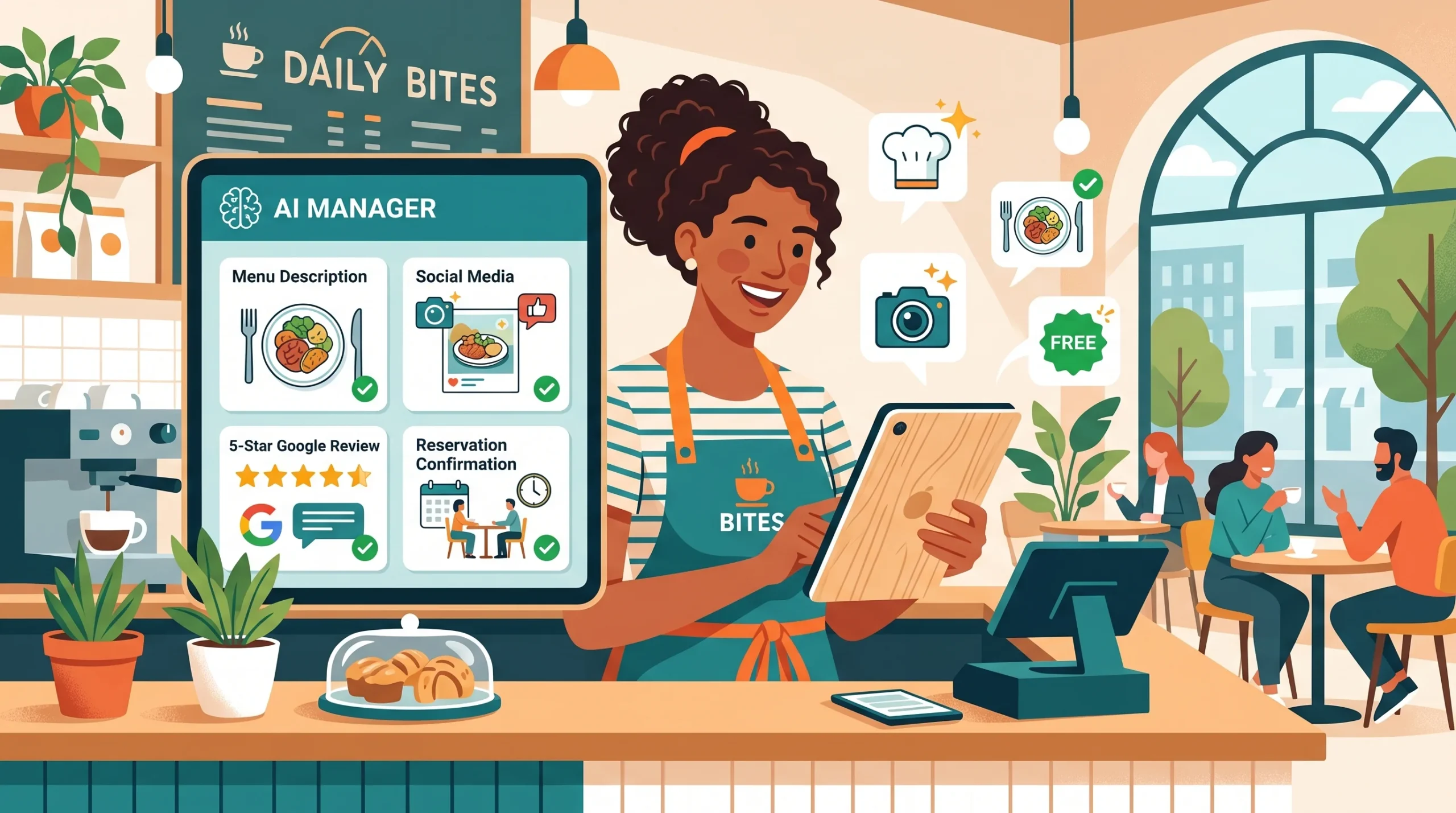
Best free AI tools for restaurant owners are not the ones featured in hospitality trade publications. Those articles consistently recommend enterprise platforms priced at $200 to $800 per month, designed for multi-location chains with dedicated operations managers and technology budgets that individual restaurant owners simply do not have.
Running a single restaurant, a cafe, or a food truck means making every hour count and keeping every cost justified. The good news is that the AI tools delivering the most immediate, practical value in restaurant operations in 2026, covering menu writing, social media content, Google review management, reservation handling, food photography, and local search visibility, are either completely free or cost less than a single shift’s worth of labour per month.
This guide covers each of those tasks honestly: what the free tool does, how to use it specifically for a food business, what it cannot do, and where the free tier ends. If something requires payment, that is clearly stated; nothing in this guide quietly assumes a budget that most independent restaurant owners do not have.
Before diving in, if you have read the guides on AI tools that replace a virtual assistant, make money with AI art without any skills, and AI tools to make money online without investment, you will recognize the same principle at work: the right free tool applied to the right specific task delivers disproportionate value relative to its cost.
Why Small Restaurant Owners Are the Biggest Winners from Free AI Tools in 2026
Best Free AI Tools for Restaurant Owners: The Independent Operator Advantage
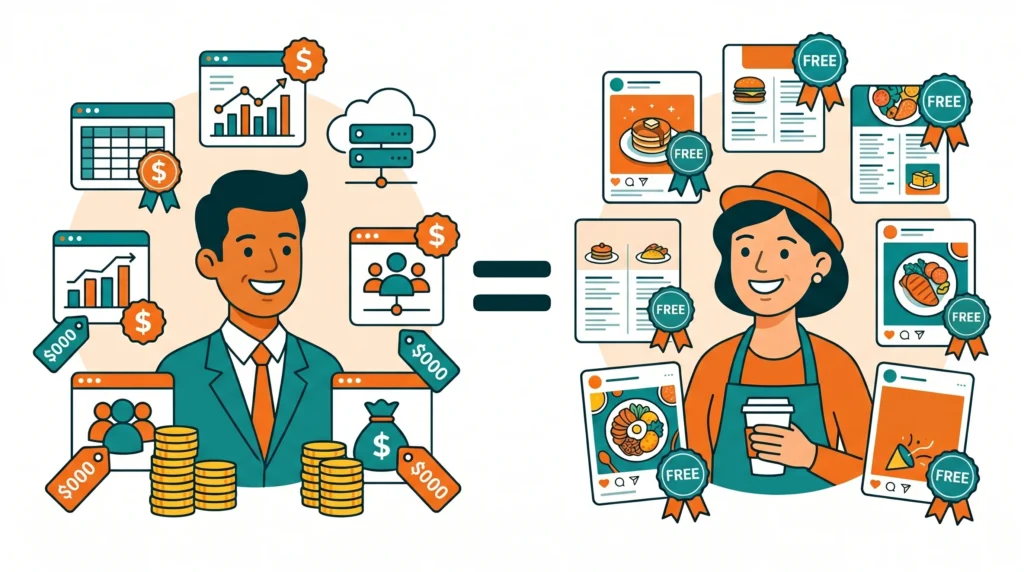
Large restaurant chains have had AI tools for years. They have proprietary systems for demand forecasting, labor scheduling, and loyalty program personalization, all built at costs that are impossible to justify for a fifty-seat independent restaurant. That is exactly why independent operators have the most to gain from the current generation of free AI tools: the tools that were once only accessible to large enterprises are now available at zero cost, and the gap in competitive capability is closing.
A cafe owner who uses ChatGPT for menu copy, Canva AI for daily specials graphics, and a free chatbot for reservation inquiries is running a marketing and communication operation that would have required a part-time staff member two years ago. The quality of the output, used correctly, is indistinguishable from professionally produced content, and the cost is either zero or the price of a mid-range coffee subscription per month.
AI for Menu Descriptions: The Task With the Highest Return on Ten Minutes
Best Free AI Tools for Restaurant Owners: Starting With Your Menu
A well-written menu description does three things: it makes the dish sound appealing, it sets the right expectation about portion and flavour, and it uses language that matches the restaurant’s personality. Writing twenty to thirty of these from scratch takes hours. Rewriting them seasonally, or for a daily specials board, compounds that time commitment into something most owners simply do not do as often as they should.
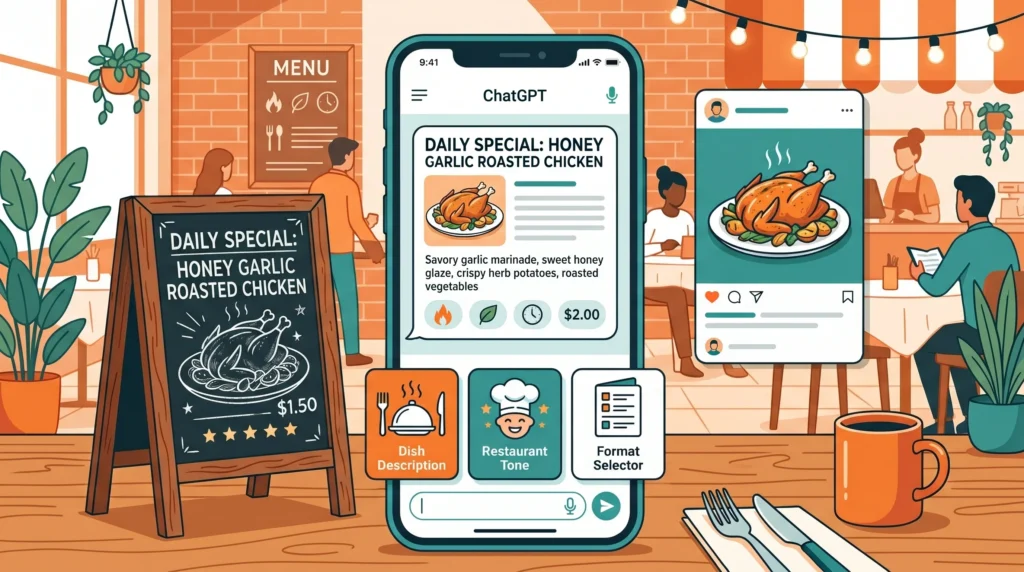
ChatGPT writes menu descriptions that match the tone and style of the establishment when given enough context. The free tier is fully capable of this task; no paid upgrade is needed.
Effective prompt for restaurant menu writing:
- Describe the dish: main protein or base, cooking method, key ingredients, any special sourcing
- Describe the restaurant’s tone: fine dining and sophisticated, casual and friendly, rustic and homemade, modern and adventurous
- Specify the format: one line for a menu card, two sentences for a website, a short caption for Instagram
With those three elements provided, ChatGPT produces a description that requires light editing rather than rewriting. A task that took twenty minutes takes three.
Daily specials workflow: Each morning, type the day’s special ingredients into ChatGPT and ask for three versions of a short description: one for the chalkboard, one for an Instagram caption, and one for a WhatsApp broadcast message. All three are ready in under two minutes, formatted for their respective formats.
Responding to Google Reviews: The AI Task Most Restaurant Owners Overlook
How ChatGPT Replies to Google Reviews Improves Local Search Visibility
Responding to Google reviews is not just good customer service; it is an active local SEO signal. Google’s algorithm treats consistent, relevant, keyword-informed responses as a quality indicator for local search rankings. Restaurants that respond thoughtfully to every review, positive and negative, rank higher in local search results than comparable restaurants that ignore their reviews.
The problem is time. Writing a personalised, professional response to each review, especially negative ones, takes focused attention that most restaurant owners cannot consistently dedicate during service hours.
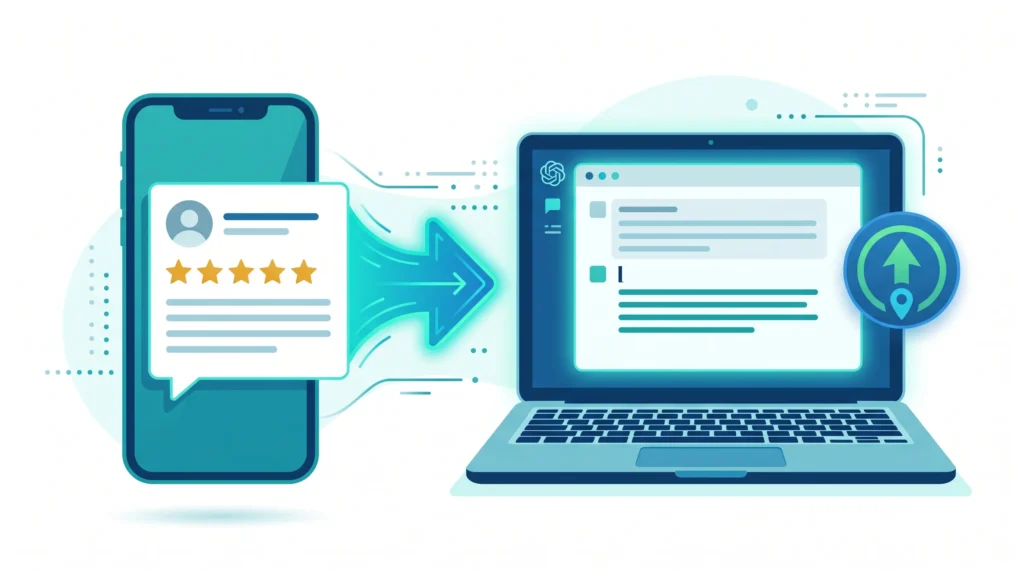
Paste the review into ChatGPT and provide two pieces of context: the restaurant’s name and tone, and what you want to achieve with the response. For positive reviews, the goal is warmth, a specific acknowledgment of what the reviewer mentioned, and an invitation to return. For negative reviews, the goal is acknowledgment without defensiveness, a genuine commitment to improvement, and, where appropriate, an invitation to discuss directly.
Prompt example for a negative review: “My restaurant [name] is a casual Italian trattoria with a warm, family atmosphere. A guest left this review: [paste review]. Write a professional, non-defensive response that acknowledges their experience, expresses genuine regret, and invites them to contact us directly. Keep it under 80 words.”
The response drafts in seconds. The owner reads, adjusts any specific factual details, and posts. What previously took fifteen minutes of careful thought takes ninety seconds.
Before posting any review response publicly, run it through Grammarly’s free tier to ensure there are no grammatical errors or accidentally aggressive phrasing. The tone detection feature is particularly useful for negative review responses, where the line between “professional” and “defensive” is easy to cross without noticing.
Free AI Tools for Restaurant Social Media: Consistency Without a Marketing Team
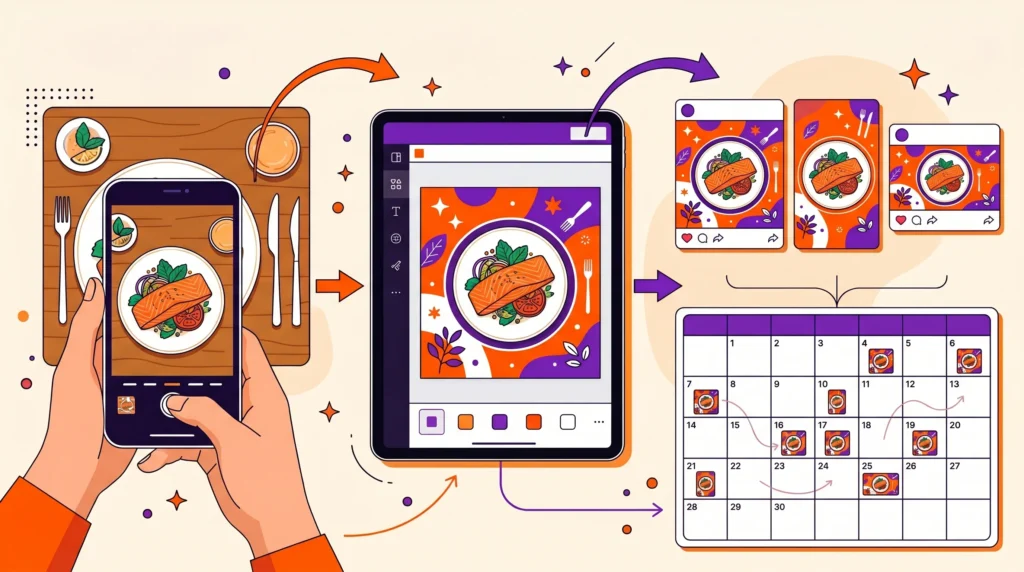
Best Free AI Tools for Restaurant Owners on Social Media
Social media for restaurants lives or dies on consistency. A restaurant that posts three times this week and then disappears for two weeks sends a signal that is worse than posting nothing at all. AI tools address the consistency problem by reducing the time required per post to a level that fits into any schedule, regardless of how full the day is.
Canva’s AI features, combined with its restaurant-specific design templates, allow owners to produce daily specials graphics, event announcements, seasonal promotion posts, and branded story content without design skills. The Magic Design feature generates a complete, professional layout from a photo and a brief description. The free tier includes enough templates and AI generations to cover a consistent weekly posting schedule.
Practical workflow:
- Photograph the day’s special with a phone camera
- Upload to Canva and apply the Magic Design feature
- Select the most visually appealing result
- Add a text caption generated by ChatGPT in the same session
- Export and post across platforms
Total time: eight to twelve minutes per post, including the photo. Compared to the thirty to forty minutes that same process takes without AI assistance, the time saving compounds significantly across a seven-day posting schedule.
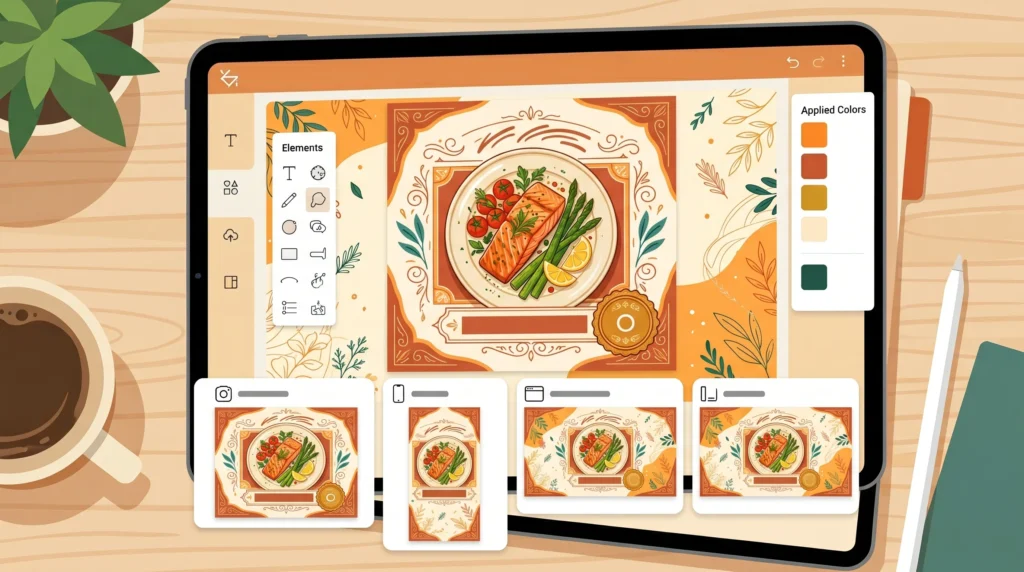
Buffer’s free tier schedules up to ten posts across three social media profiles. For a restaurant posting daily to Instagram and Facebook, this means batching a week’s worth of content on one quieter afternoon and having it publish automatically at the optimal time for each platform. The AI assistant within Buffer suggests caption variations and hashtag sets based on the content, reducing the creative load further.
Predis.ai generates complete social media posts, including the visual and the caption, from a short text description of the dish or promotion. The free tier limits monthly generations, but for a restaurant posting three to four times per week, the free allowance covers a meaningful portion of the monthly content calendar.
AI Food Photography Enhancement: Professional-Looking Images Without a Professional
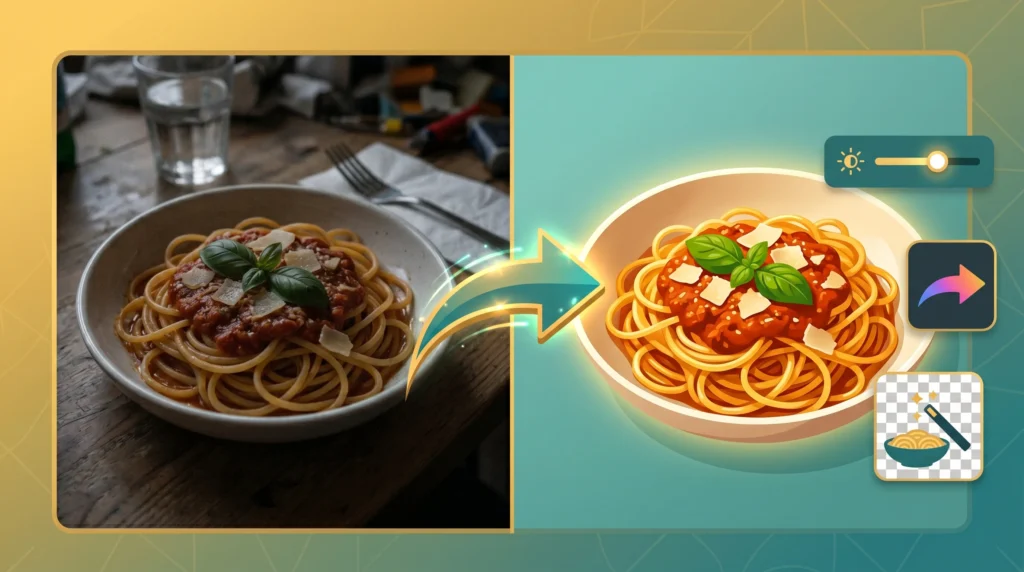
Free AI Tools That Turn Phone Photos Into Marketing-Quality Images
The quality of food photography directly affects how appealing a restaurant looks online, particularly on Google Business Profile, Instagram, and the restaurant’s own website. Professional food photography costs hundreds to thousands per session; for most independent restaurants, this means the photographs used online are whatever the owner managed to capture on a busy service day.
Free AI photo enhancement tools close this gap significantly:
Adobe Lightroom Mobile (Free Tier):
Lightroom’s free mobile app includes AI-powered “Auto” enhancement that analyses a food photograph and applies colour, brightness, contrast, and sharpness adjustments automatically. The improvement from a flat, under-lit phone photo to an enhanced, warm, visually appealing food image is often dramatic; and the process takes approximately fifteen seconds per photo.
Adobe Firefly (Free, Browser-Based):
For restaurant owners who have read the guide on best free AI image generator for beginners, Adobe Firefly will already be familiar. For restaurants, it is useful for generating complementary background visuals, texture overlays, and promotional graphic elements that do not require actual food photography; for example, seasonal promotion graphics, gift card announcements, or event flyers where a stylised visual works better than a photograph.
Canva’s Background Remover and Enhance Tools (Free Tier Partial):
Canva’s background removal and image enhancement tools allow owners to isolate a dish from a cluttered background and place it on a clean, branded background. This single technique transforms average phone photographs into images that look intentionally composed.
For restaurant owners interested in the broader potential of AI image creation for marketing, the make money with AI art without any skills guide covers image generation tools in detail; many of those same techniques apply directly to restaurant promotional visuals.
AI Chatbots for Reservations and Customer Inquiries
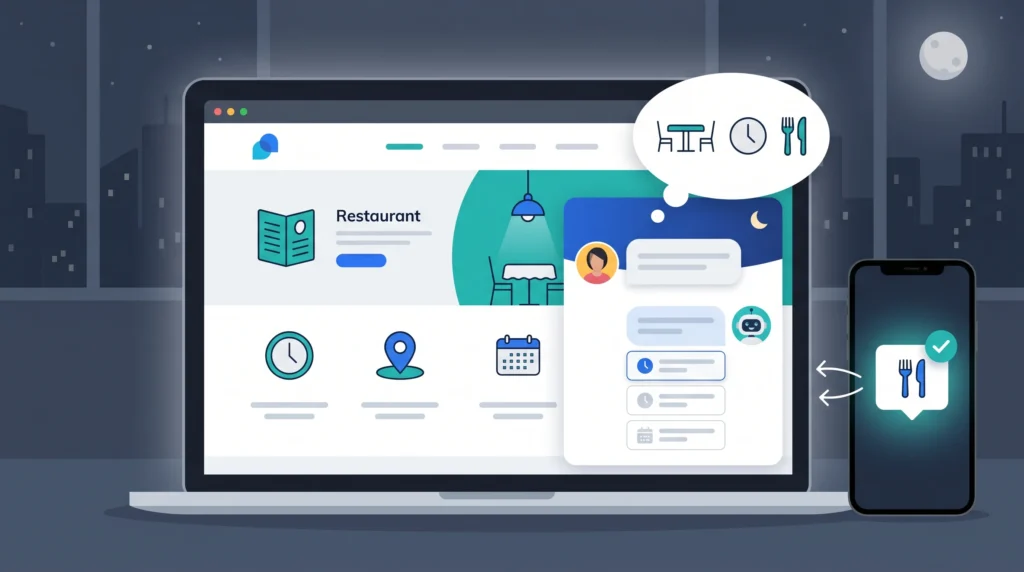
How Free AI Chatbots Handle Restaurant Customer Inquiries Around the Clock
Most restaurant owners miss reservation inquiries and general questions that arrive outside service hours: late evening menu questions, early morning group booking requests, and after-closing calls about dietary accommodations. A free AI chatbot on the restaurant’s website or social media page handles these automatically, without requiring anyone to be available.
Tidio installs on any website with a simple embed code and connects to Facebook Messenger and Instagram Direct Messages simultaneously. The free tier’s AI responds to common restaurant inquiries automatically: opening hours, menu availability, dietary information, reservation availability, and contact details. Inquiries that require a personal response are flagged for the owner’s attention with a summary of what was asked.
Setup time is approximately two hours for the initial configuration. The ongoing time saving, from handling the volume of routine inquiries that would otherwise require direct responses, is immediately apparent in the first week.
WhatsApp Business with Quick Replies (Free):
For restaurants where WhatsApp is the primary customer communication channel, WhatsApp Business’s free Quick Replies feature allows pre-written responses to common inquiries to be sent with a single keystroke. Combined with a Greeting Message that responds automatically to new contacts, this covers a substantial portion of routine customer communication without any per-message cost.
The guide on AI tools that replace a virtual assistant covers the broader category of AI customer communication tools in detail; the same tools and principles apply directly to restaurant reservation and inquiry management.
Google Business Profile Optimization: The Free Local SEO Task Most Owners Ignore
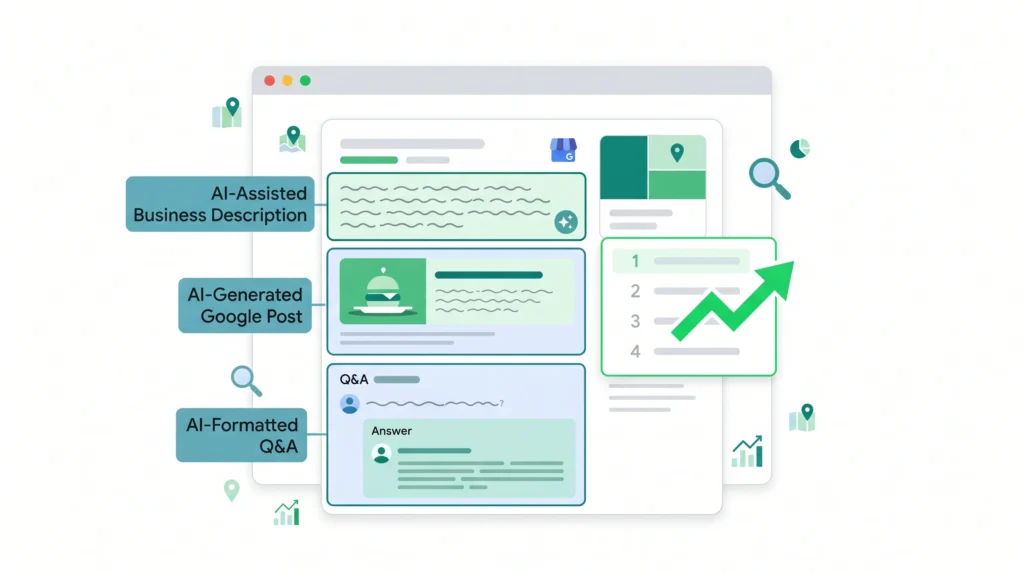
Best Free AI Tools for Restaurant Owners to Improve Local Search Rankings
A fully optimised Google Business Profile is one of the highest-return marketing activities available to any restaurant, and it costs nothing. Most restaurant Google Business Profiles are incomplete: missing post updates, unanswered questions, outdated photos, and sparse business descriptions that fail to include the search terms potential customers actually use.
ChatGPT for Google Business Profile optimization:
- Business description: Ask ChatGPT to write a 750-character Google Business Profile description that includes the restaurant type, cuisine style, atmosphere, and most relevant search terms. Provide the details; let it format and optimise the language.
- Google Posts: Google Business Profile allows regular posts that appear in search results. Use ChatGPT to generate one post per week describing a special event or a seasonal offering. These posts improve local search visibility and give potential customers a reason to choose the restaurant from the search results page.
- Q&A section responses: The Questions and Answers section of a Google Business Profile is publicly visible and influences search ranking. ChatGPT drafts clear, keyword-informed answers to common questions about the restaurant; the owner posts them in the Q&A section.
None of this requires a paid tool. ChatGPT free tier, used consistently for fifteen to twenty minutes per week on the Google Business Profile, compounds into meaningful local search visibility improvement over three to four months.
AI for Inventory and Ordering: What Free Tools Can and Cannot Do
This section requires honesty, because it is where the gap between free and paid AI tools is most significant.
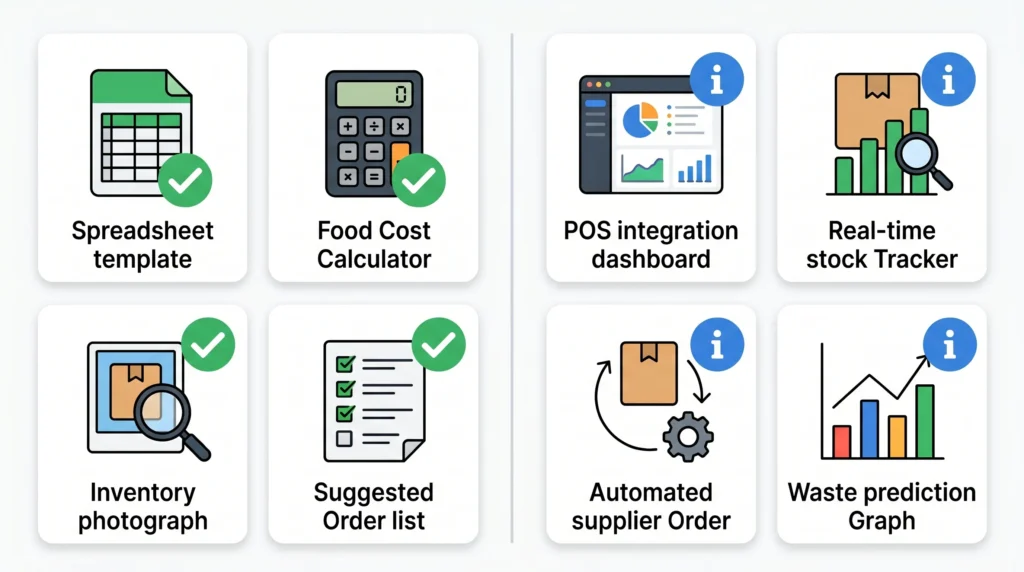
Free AI tools, specifically ChatGPT, can help with inventory-adjacent tasks:
- Analysing a photographed inventory list and generating a suggested order based on the described typical weekly usage
- Creating inventory tracking spreadsheet templates with formulas for par levels and reorder points
- Calculating food cost percentages when given ingredient costs and menu prices
- Suggesting menu adjustments based on the described ingredient price increases
What free tools cannot do: real-time inventory tracking integrated with a POS system, automated supplier ordering, or waste prediction based on historical sales data. These capabilities require paid platforms like MarketMan or Toast, which are designed for restaurants with the volume to justify the cost.
For a small restaurant or cafe owner who is currently managing inventory manually, ChatGPT combined with a structured Google Sheets template represents a significant improvement over a notebook or a mental count, at zero cost.
Frequently Asked Questions
Q. Can a small restaurant really compete with larger restaurants using only free AI tools?
In the specific areas these tools address: yes. A small restaurant using ChatGPT for menu descriptions and review responses, Canva AI for social media content, and Tidio for customer inquiries is running a marketing and communication operation comparable in quality to a much larger establishment’s paid team output. The gap is in operational AI, such as demand forecasting and automated inventory, where paid tools provide capabilities that free alternatives cannot match. For marketing and customer communication, free tools close the competitive gap substantially.
Q. How long does it take to set up these free AI tools for a restaurant?
The tools with the longest initial setup are Tidio (approximately two hours for a full chatbot configuration) and Google Business Profile optimisation (one focused session of two to three hours to write descriptions, Q&A responses, and initial posts). ChatGPT, Canva, and Buffer are usable within minutes of creating a free account. Total initial setup across all tools covered in this guide: approximately one full day, preferably spread across a quieter period.
Q. Will ChatGPT review responses be detected as AI-generated by customers?
The review responses generated by ChatGPT, when edited to include specific details from the original review and personalised with the restaurant’s name and tone, read naturally. What makes a review response feel AI-generated is when it is generic: thanking the customer without acknowledging anything specific they said. The editing step, which takes approximately sixty seconds per response, is what prevents that generic quality from appearing.
Q. Is it safe to use free AI tools for customer-facing restaurant content?
Yes, with the standard caveat that applies to any AI output: always review before publishing. ChatGPT occasionally produces a description that is slightly inaccurate about a dish (describing a cooking method that was not mentioned in the prompt, for example) or a review response that mischaracterises the reviewer’s concern. A thirty-second read before posting catches any issue before it reaches a customer.
Q. How quickly do these tools show a measurable impact on a restaurant’s business?
The most immediate impact is time saved, which is visible from day one. For measurable business impact: Google review response consistency typically shows local search ranking improvement within six to eight weeks of consistent implementation. Social media engagement improvement from consistent, higher-quality posting is typically visible within four to six weeks. Reservation inquiry response rates improve immediately once a chatbot handles after-hours inquiries.
Final Thoughts
The restaurants that will look back on 2026 as the year their operations improved are not the ones that adopted the most expensive AI platforms. They are the ones who took an afternoon to set up ChatGPT for menu writing and review responses, connected Canva AI to their social media workflow, and configured a free chatbot for their website.
Each of those changes is individually small. Collectively, across a full week of operations, they recover several hours of the owner’s time, improve the consistency and quality of customer-facing communication, and create a local search presence that compounds over months.
The tools are free. The time investment is measured in hours, not days. The return, for a restaurant operating on thin margins where every additional customer and every recovered hour directly affects profitability, is real and immediate.